How to pause or resume selected prospects in a campaign?
- Click on the campaigns tab in the sidebar then Click on the campaign in which you want to pause the prospect.
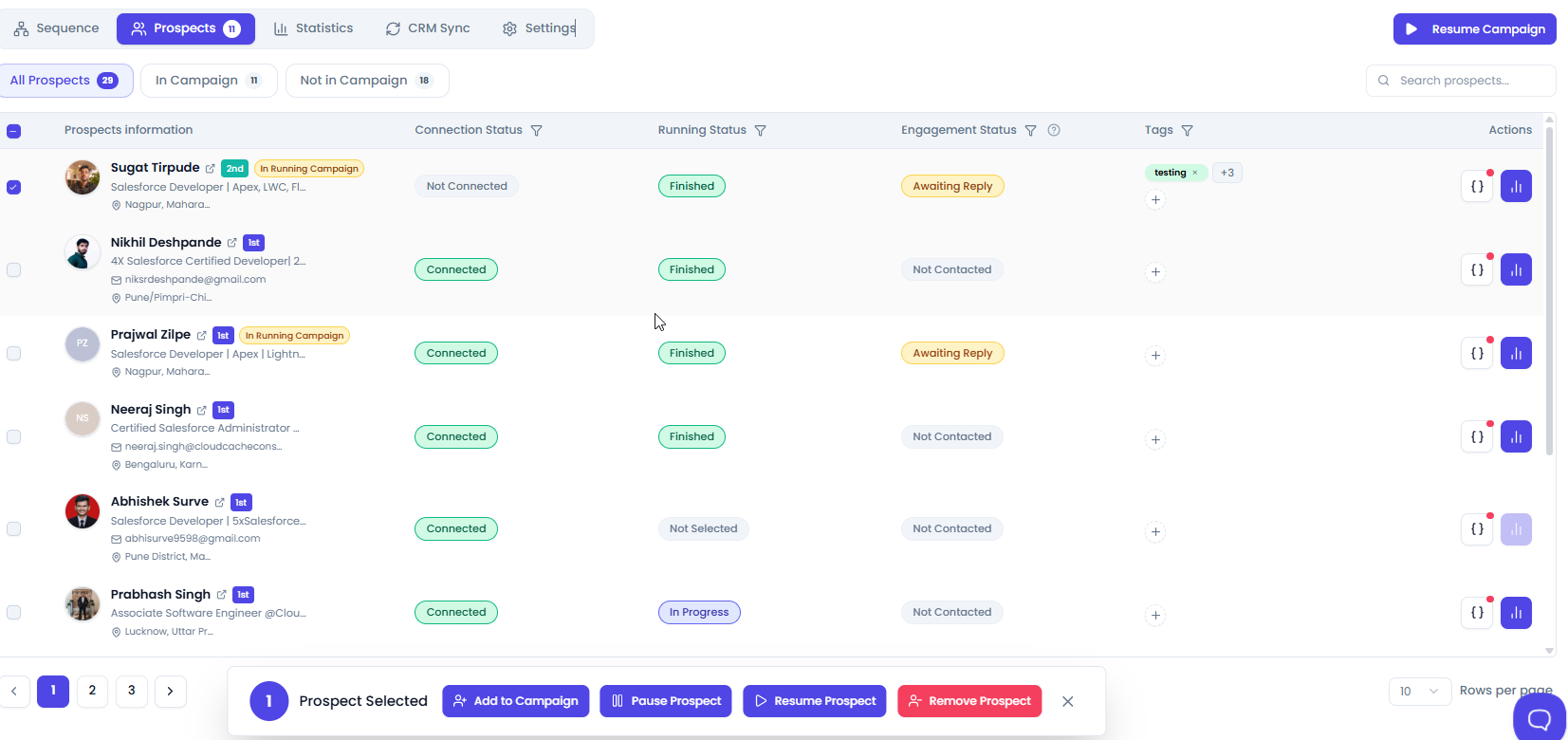
- Go to the prospects tab, click on the checkbox to whom you want to pause and click on the pause prospect.
- If you want to resume a prospect, locate the paused prospect in the Prospect List, select its checkbox, and then click resume prospect.
Did this answer your question?
Thanks for the feedback
There was a problem submitting your feedback. Please try again later.
No results found
-p-2000.png)
