How to access campaign settings?
To update a campaign's settings, follow these steps:
- From the left sidebar, click Campaigns. This will open the Campaigns page, where all your campaigns are listed.
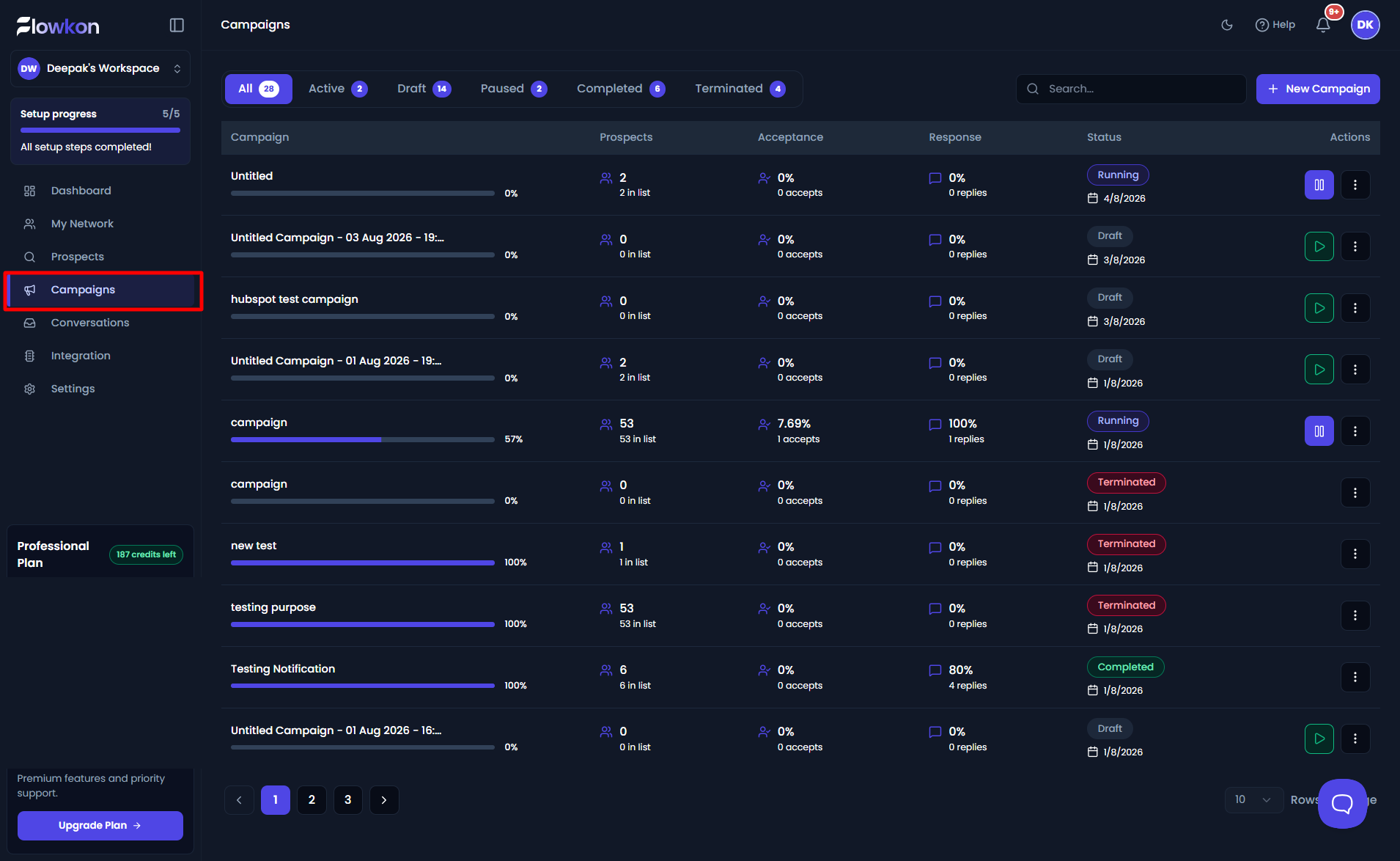
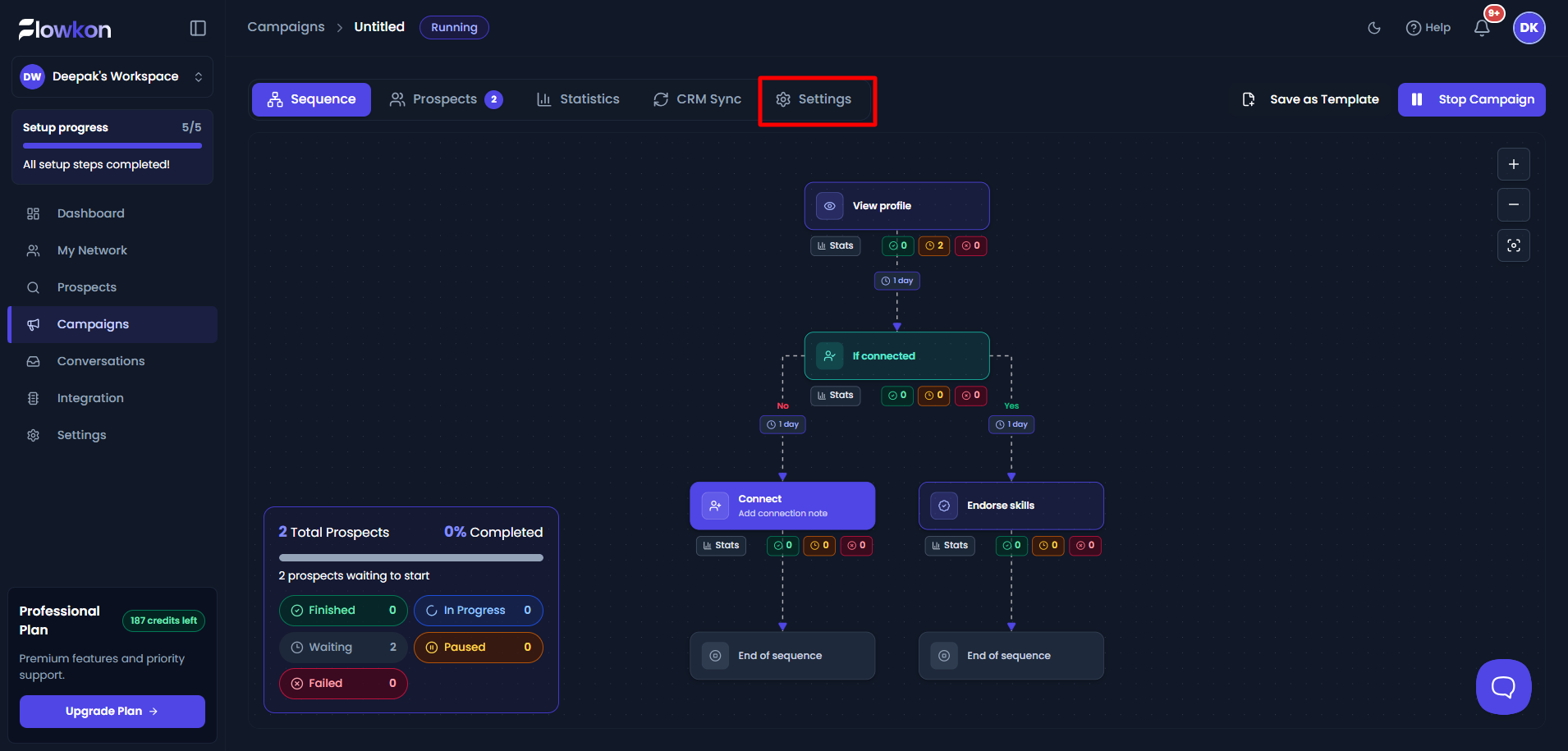
- Select the campaign whose settings you want to configure. This will take you to the Campaign Overview page.
- Click the Settings tab.
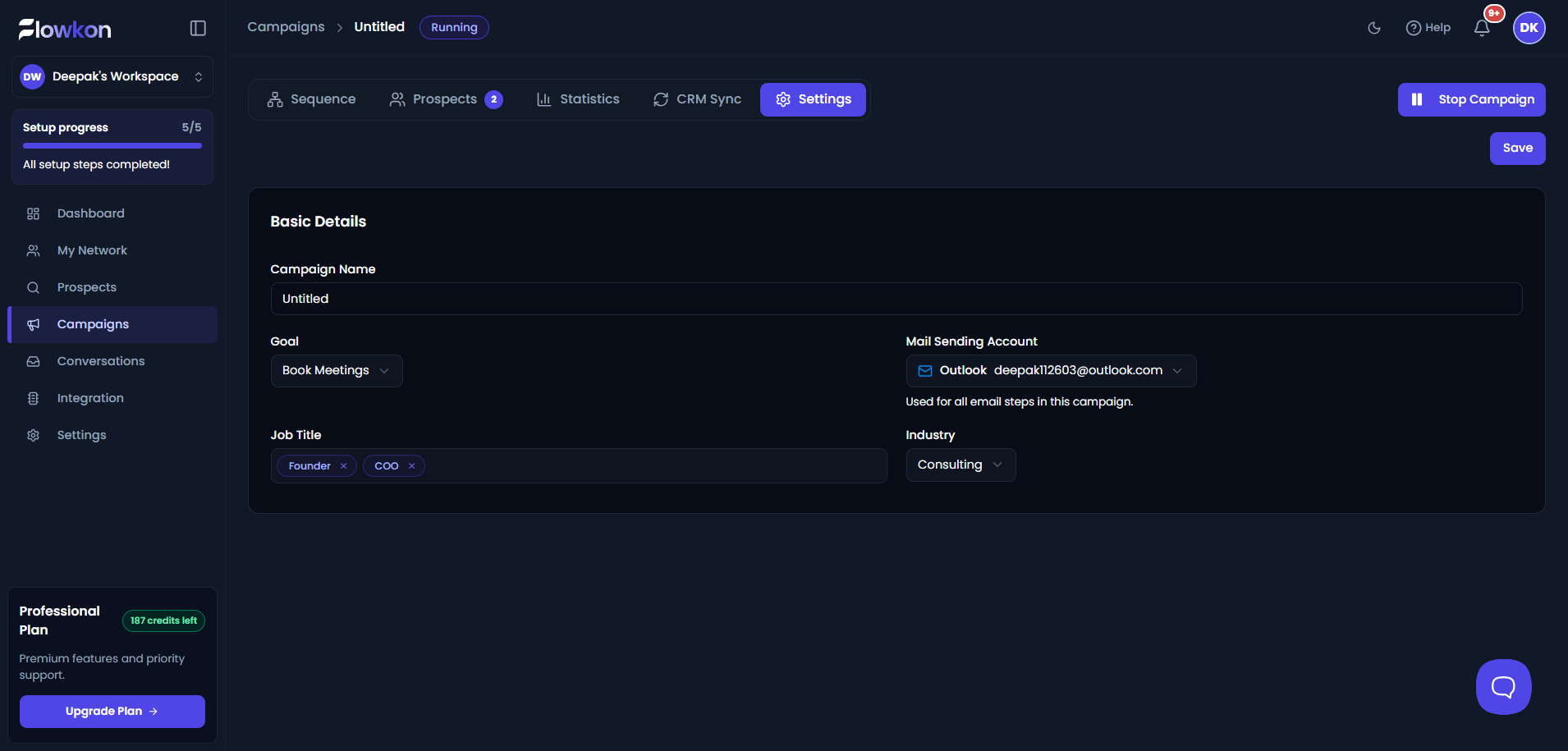
- On the Settings page, fill in or update the required campaign details:
- Campaign Name – Enter a name to easily identify the campaign.
- Goal – Select the objective of your campaign.
- Mail Sending Account – Choose the email account that will be used to send emails in this campaign.
- Job Title – Specify the job titles of the audience you want to target.
- Industry – Select the industry that best matches your target audience.
After making the necessary changes, click Save to apply the updated settings.