How to pause or resume a campaign?
Once the campaign is created and running, you can manage its activity by pausing or resuming it whenever needed.
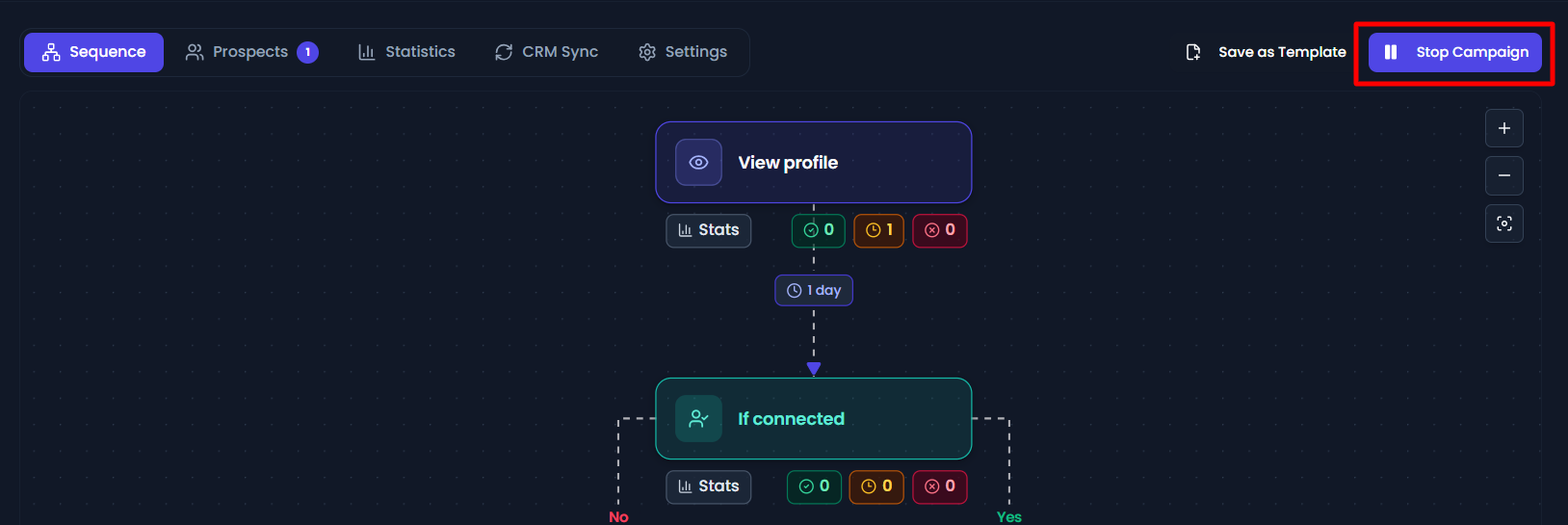
- To pause a campaign in the navbar, you will see the Stop Campaign button.
- You can also pause the campaign from the campaigns page by clicking in the actions column.

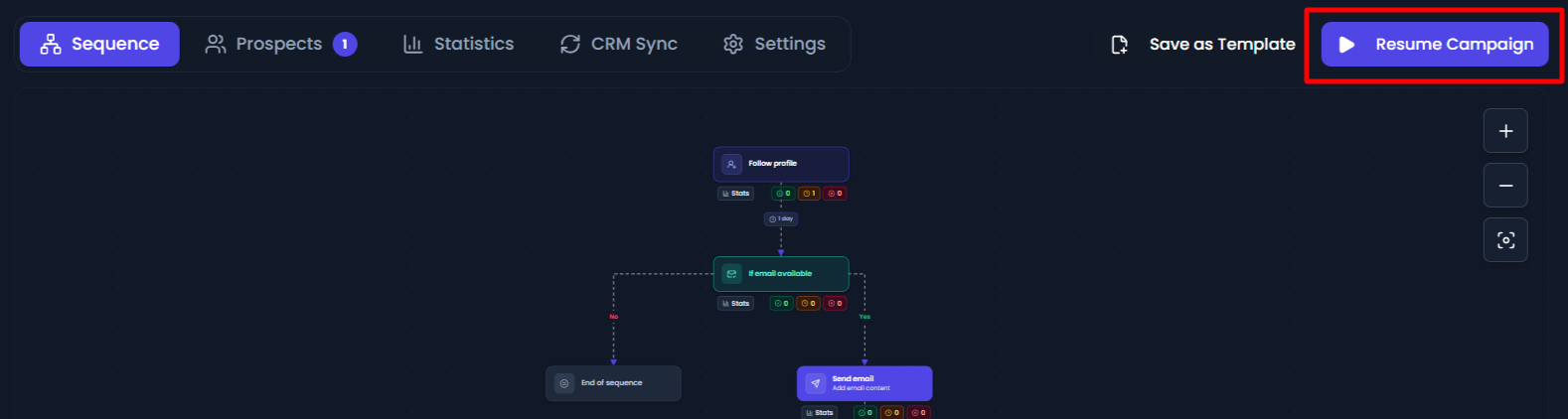
- If you want to continue the campaign again, go to the navbar and click on the Resume Campaign button.
- The campaign will resume running from where it was paused. You can also resume the campaign from the campaigns page by clicking in the actions column.