How to create an event prospect list in Flowkon?
Flowkon allows you to build prospect lists directly from LinkedIn Event participants. Instead of inviting people to an event, this feature helps you discover and import the profiles of users who have already joined or registered for a LinkedIn event, making it an effective way to find highly relevant prospects.
You can use Event prospect Lists to engage with audiences attending webinars, conferences, networking sessions, product launches, or any other public LinkedIn event related to your industry.
Things to know
- Flowkon imports the profiles that are visible in the selected LinkedIn event at the time of the import.
- Up to 1,000 participants can be retrieved in a single prospect list.
- Public events with a well-defined audience often produce the best results for targeted outreach.
- If new people join the event after you create the prospect list, you'll need to refresh or recreate the import to capture the latest participants.
- You need to create a prospect list using a LinkedIn account that is connected to Flowkon.
Follow the steps below to create an Event Prospect List:
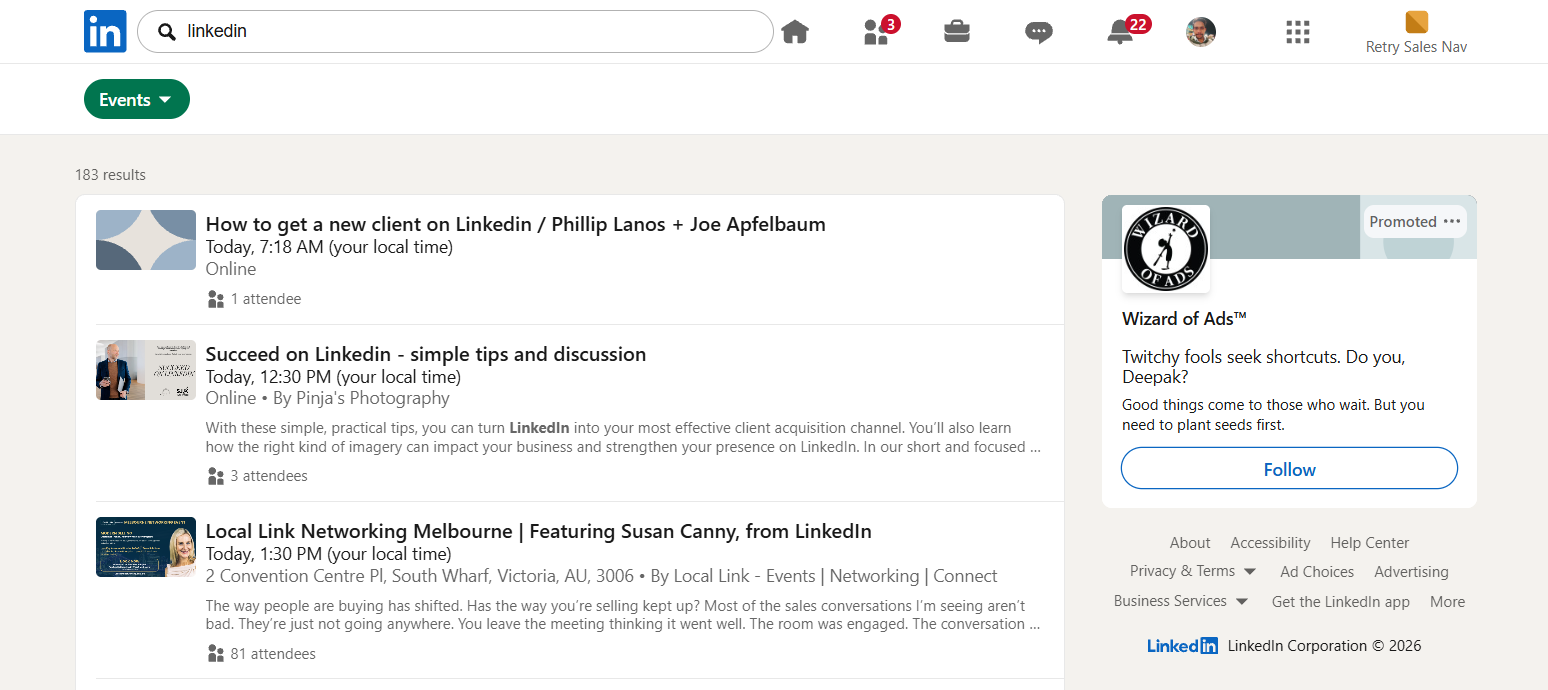
- Open the LinkedIn event you want to use for prospecting.
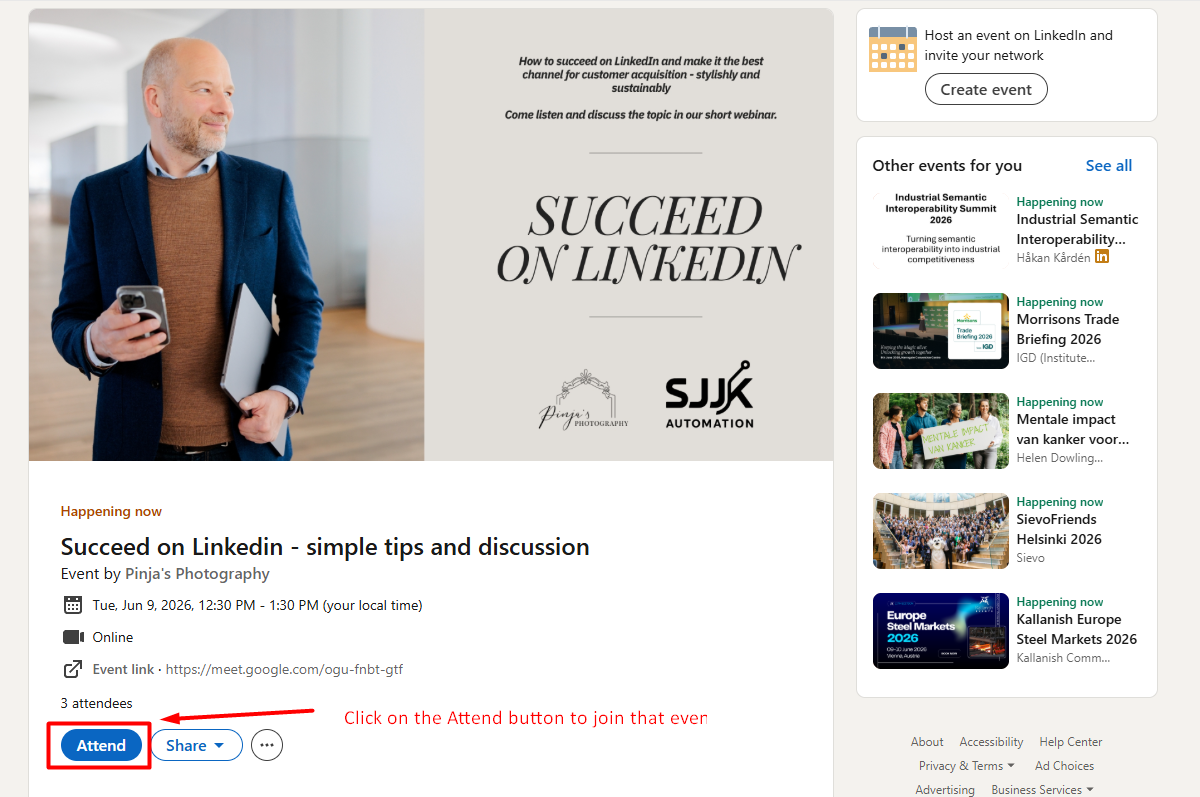
- Click on the Event from where you want to get the prospects for search and click on the Attend button to join that event.
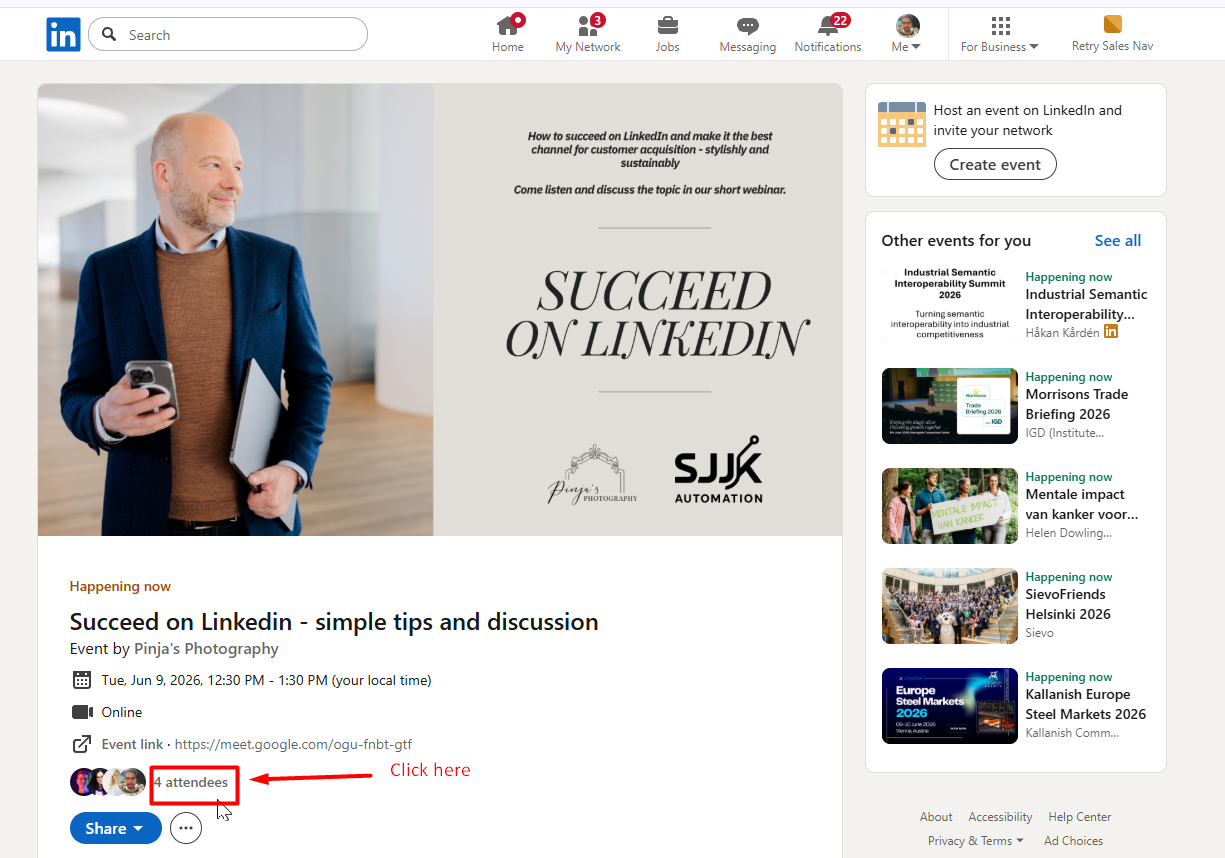
- After joining the event you’ll get the option to view the event attendees. Then click on the attendees.
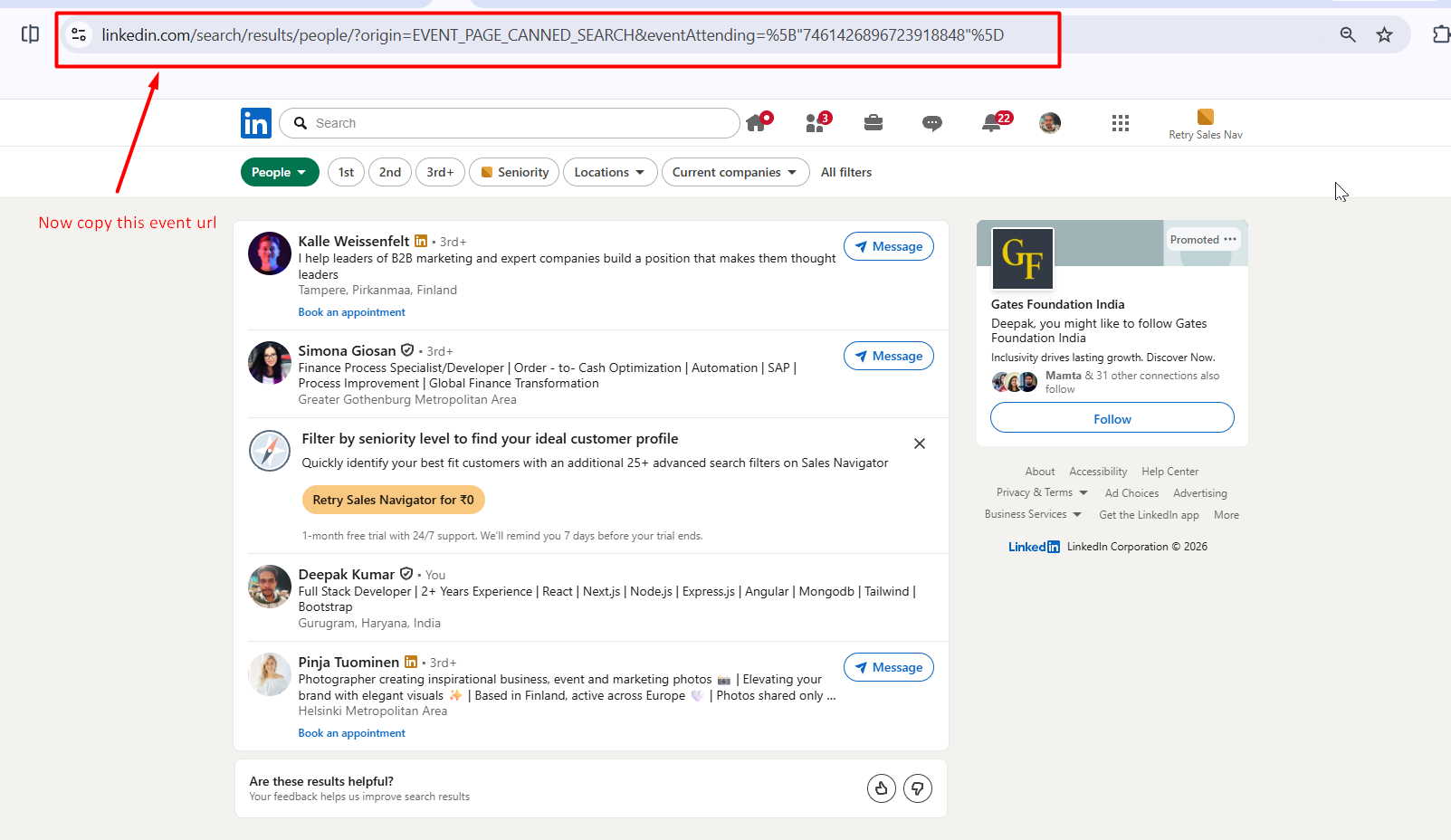
- Copy the event URL from your browser.
- In Flowkon, go to Prospects and click the Find Prospects button.

- Select Event Prospects from the available options and click on Next button.

- Paste the event URL into the input field and give your list name. You will get the option to extract prospects, enter a specific prospects count to extract and then click on Finish button.

- After that Flowkon will begin retrieving the profiles from your Event prospects search.
- Now the prospect list will start retrieving results, and once it's done the status will update as Completed. You can use that prospect list in the campaign.