How to configure action ranges?
The Action Ranges feature allows you to define a minimum and maximum daily limit for individual LinkedIn activities. Instead of performing the exact same number of actions every day, Flowkon automatically selects a value within the configured range for each activity.
Using activity ranges helps create more varied outreach while allowing you to control the minimum and maximum number of actions that can be performed for each supported LinkedIn activity.
Accessing Action Ranges
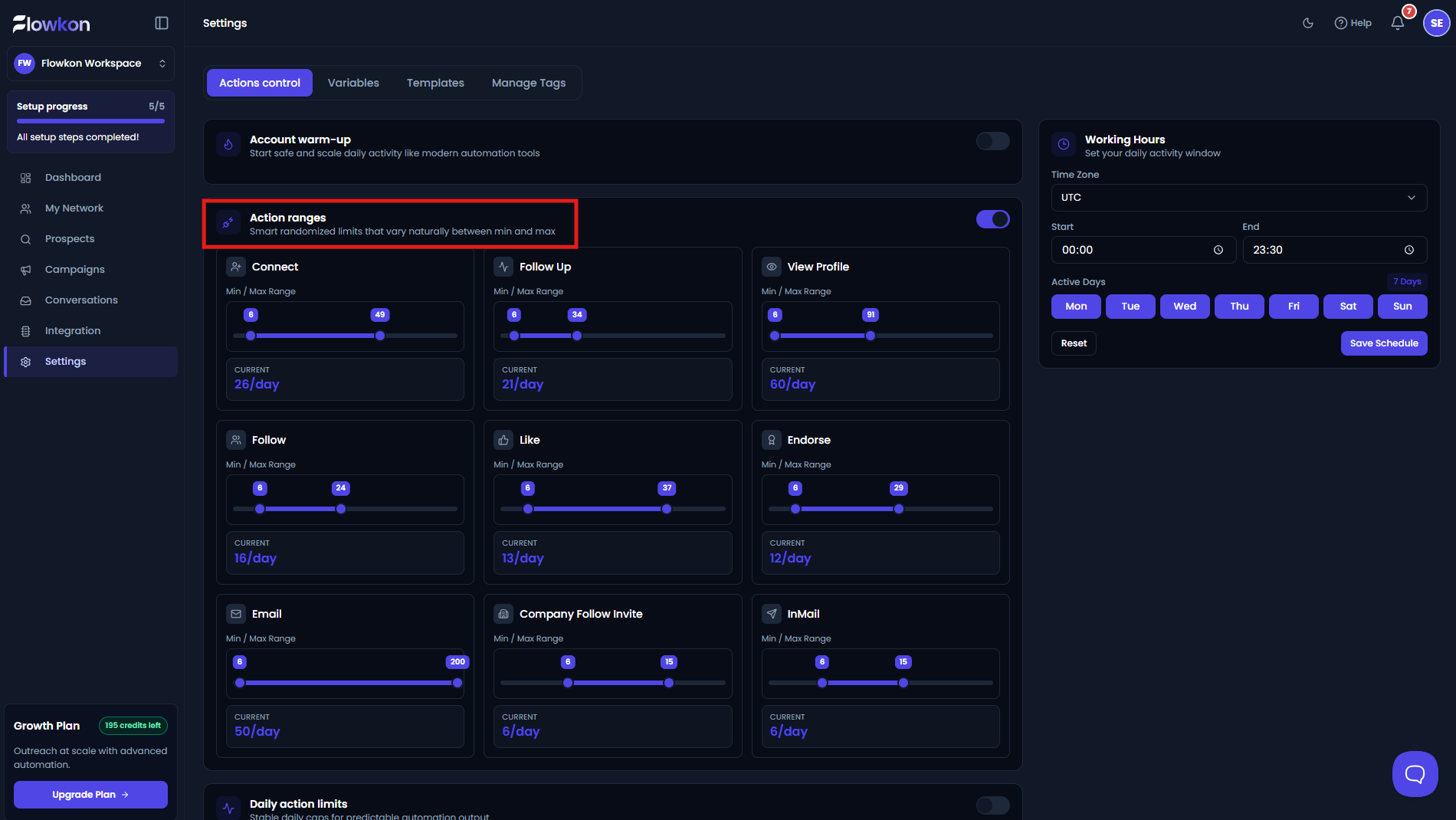
To configure Action Ranges, navigate to Settings from the left sidebar and open the Actions Control tab.
Locate the Action Ranges section and enable it to begin configuring activity ranges for individual LinkedIn actions.
Note: Only one activity control mode can be enabled at a time. Enabling Action Ranges automatically disables the other available activity control modes.
Enable Action Ranges
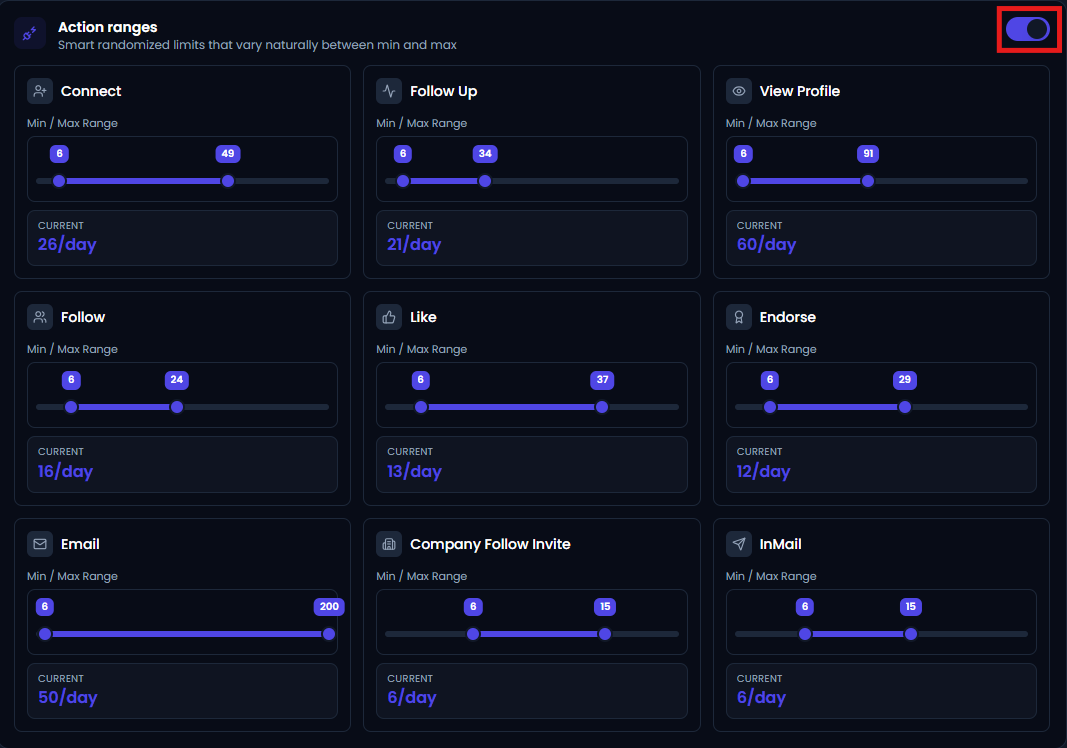
Enable the toggle located in the top-right corner of the Action Ranges section.
Once enabled, Flowkon begins using randomized activity limits based on the configured ranges for each supported LinkedIn activity.
Configure Activity Cards
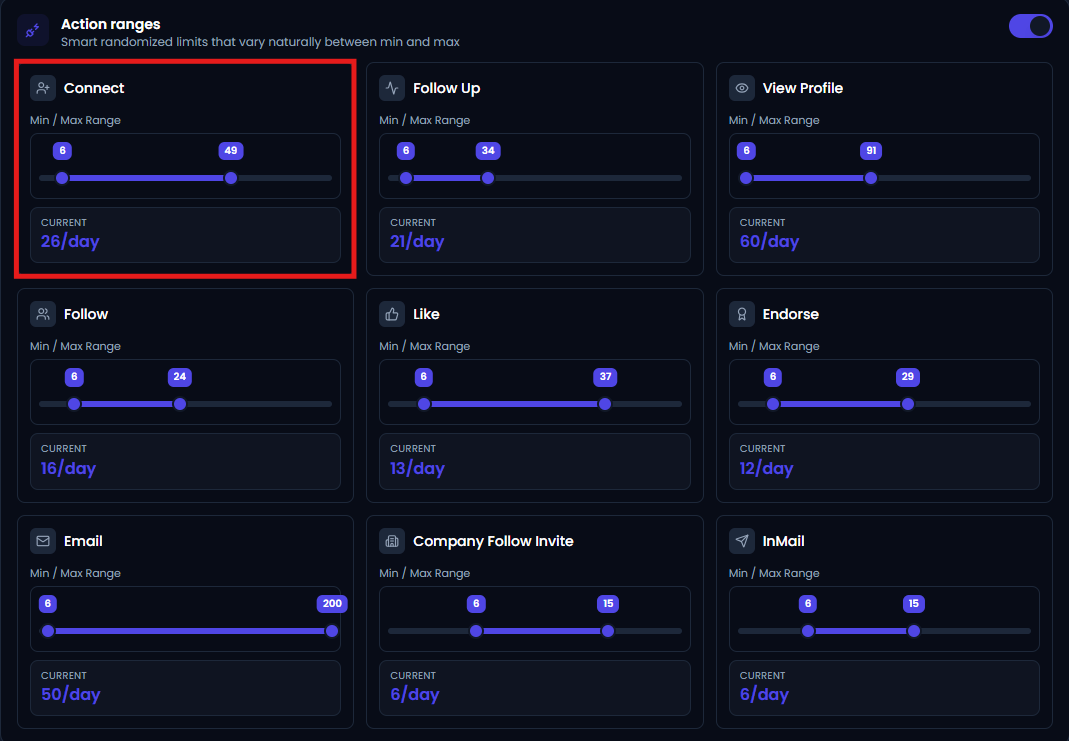
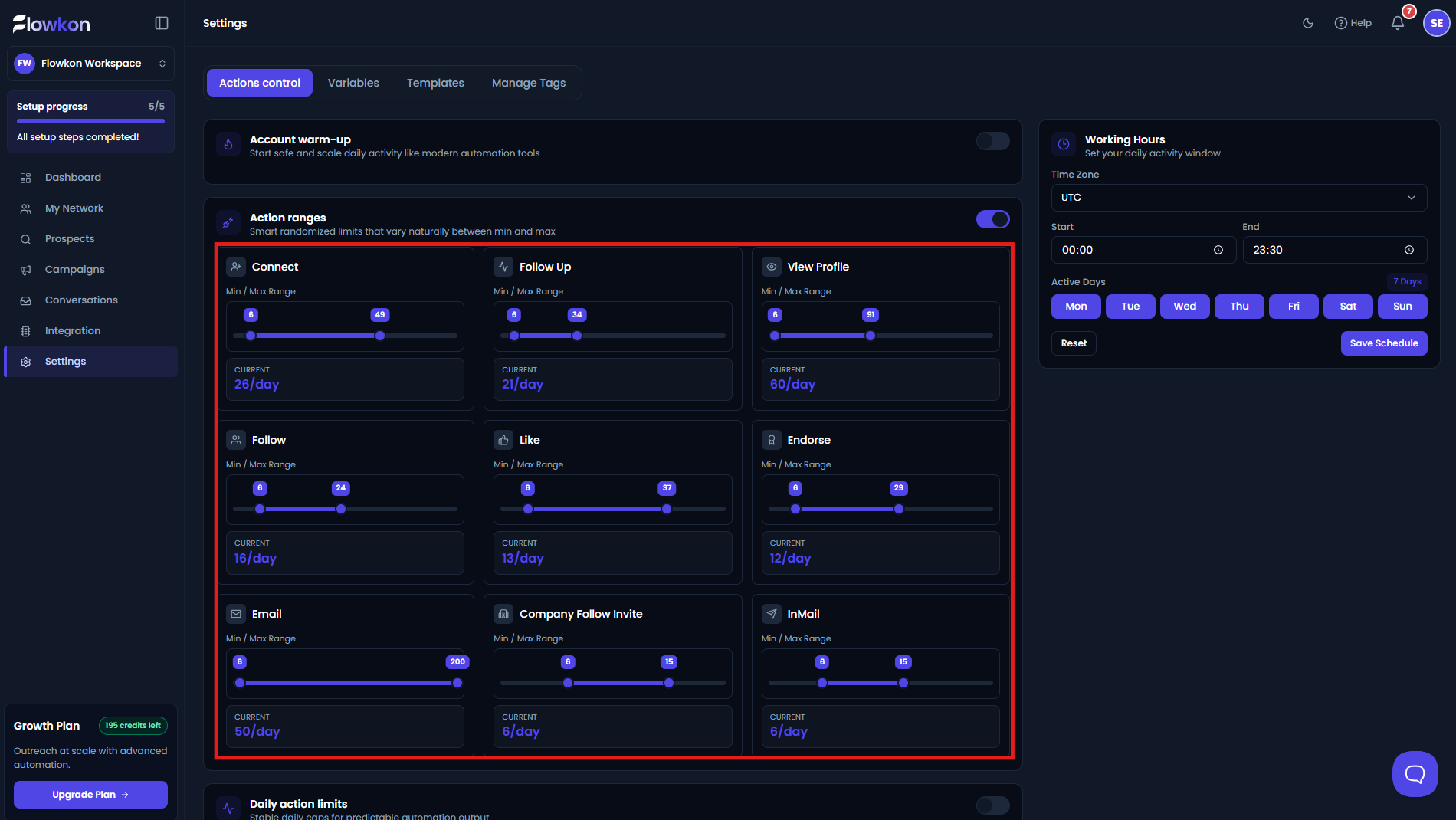
Each LinkedIn activity is displayed as a separate activity card. Every card allows you to configure the activity range independently, giving you complete control over how many actions can be performed for that specific activity.
Each card contains the following information:
Activity Name
The title displayed at the top of the card identifies the LinkedIn activity that the configured range applies to, such as Connect, Follow Up, View Profile, or Like.
Since every activity is configured separately, you can assign different ranges based on your outreach strategy.
Min / Max Range
The Min / Max Range slider allows you to define the minimum and maximum number of daily actions for the selected activity.
The Minimum value specifies the lowest number of actions that may be performed during the day, while the Maximum value specifies the highest number of actions that can be performed.
Instead of using a fixed limit every day, Flowkon randomly selects a value between the configured minimum and maximum limits whenever campaign activities are executed.
Current
The Current value displays the activity limit selected for the current day based on the configured range.
For example, if the range for Connect is configured between 6 and 49, Flowkon may select 26/day as the current activity limit. The selected value changes automatically while always remaining within the configured minimum and maximum limits.
Supported Activities
Action Ranges can be configured individually for the following LinkedIn activities:
- Connect
- Follow Up
- View Profile
- Follow
- Like
- Endorse
- Company Follow Invite
- InMail
Each activity maintains its own minimum and maximum range, allowing you to configure different limits based on the type of outreach being performed.
Save Your Changes
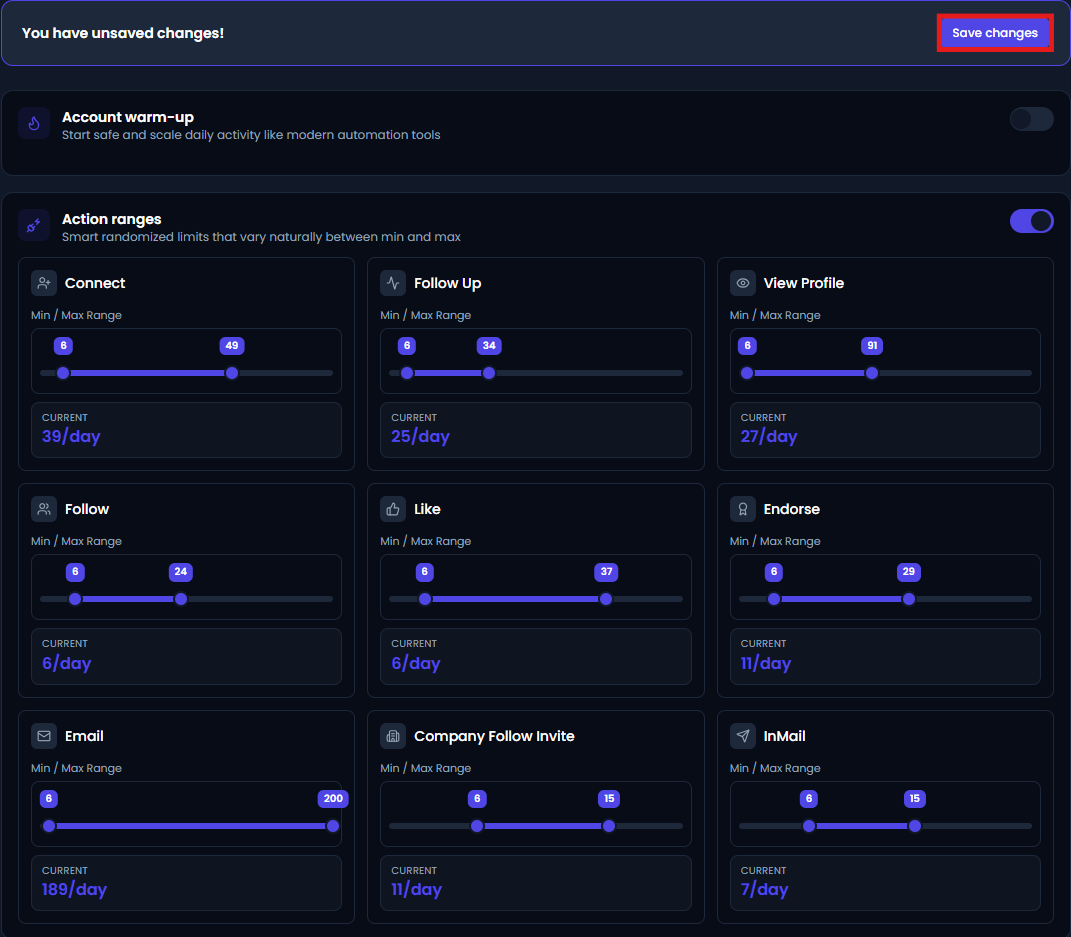
After configuring the required activity ranges, click Save Changes to apply the updated settings.
Once the changes have been saved successfully, Flowkon begins using randomized activity limits for each enabled LinkedIn activity based on the configured minimum and maximum ranges.