How to add a LinkedIn account?
- Click on the LinkedIn Accounts on the top and click Add LinkedIn Account.

-
In the popup, enter the email address and password for the LinkedIn account you want to connect.
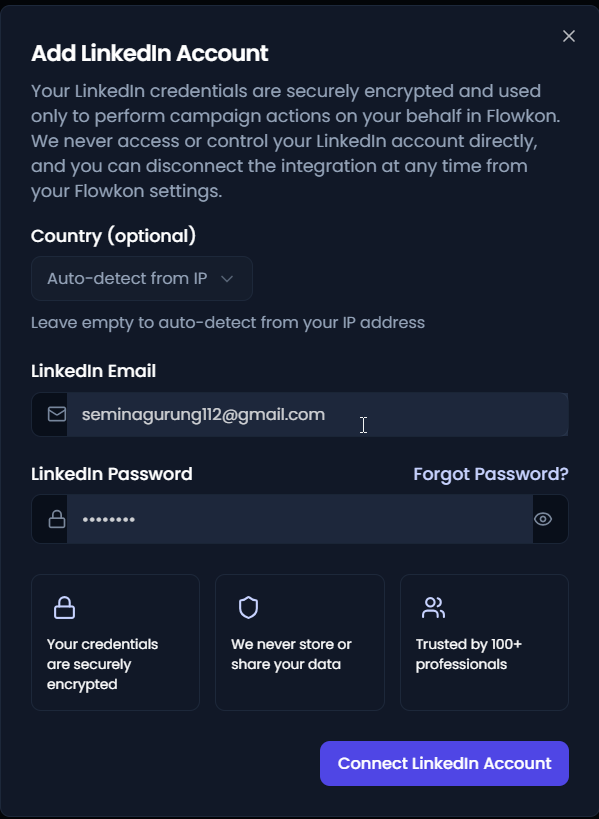
- Click Connect LinkedIn Account to complete the process.
- You'll now receive a verification code via your selected authentication method like from SMS, email, or authenticator app. Once you receive it, enter the code in the field provided to continue.

- Once the connection is successful, the LinkedIn account will be added and ready to use on the platform.