How to use prebuilt templates in campaigns?
While creating a campaign, if you will be able to view the prebuilt templates available in the system. These templates contain predefined campaign flows that can be used directly without creating the flow from scratch.
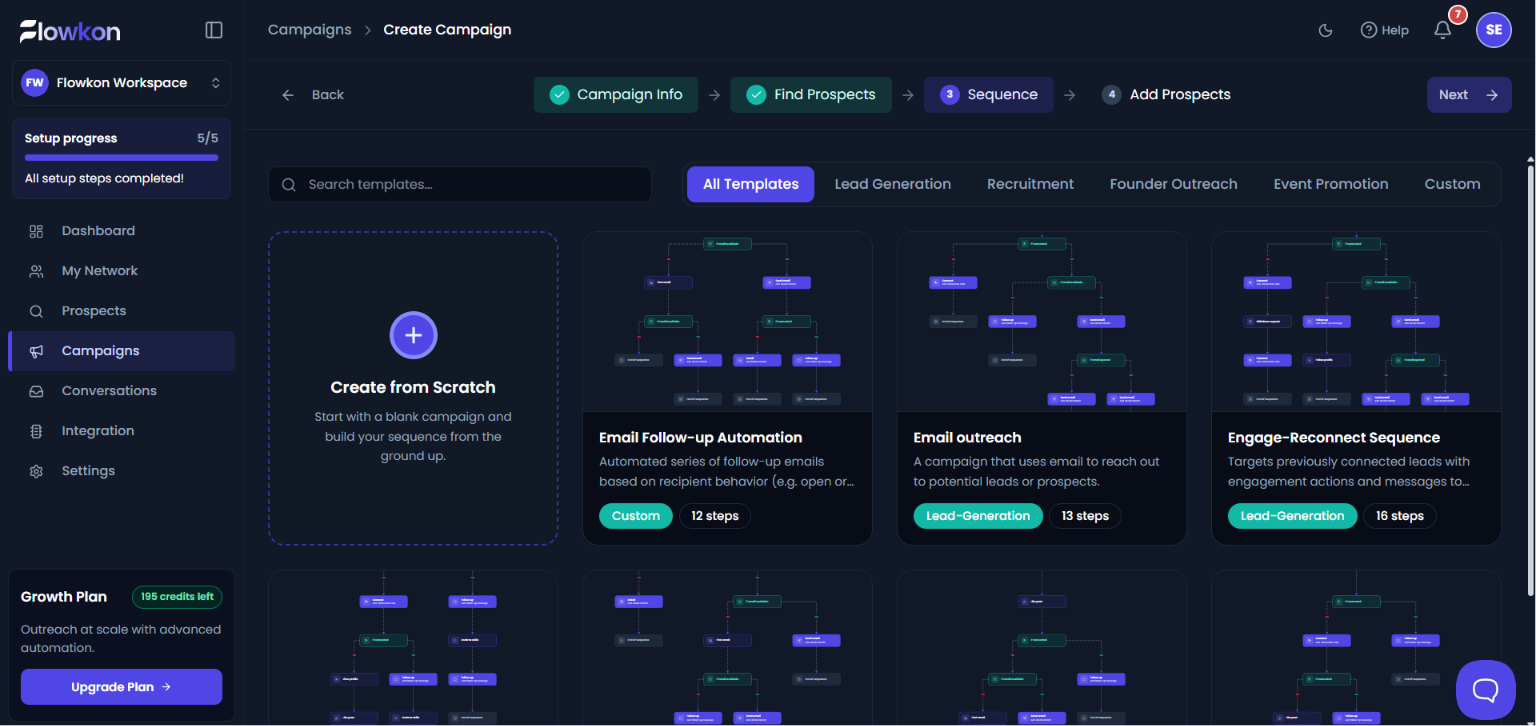
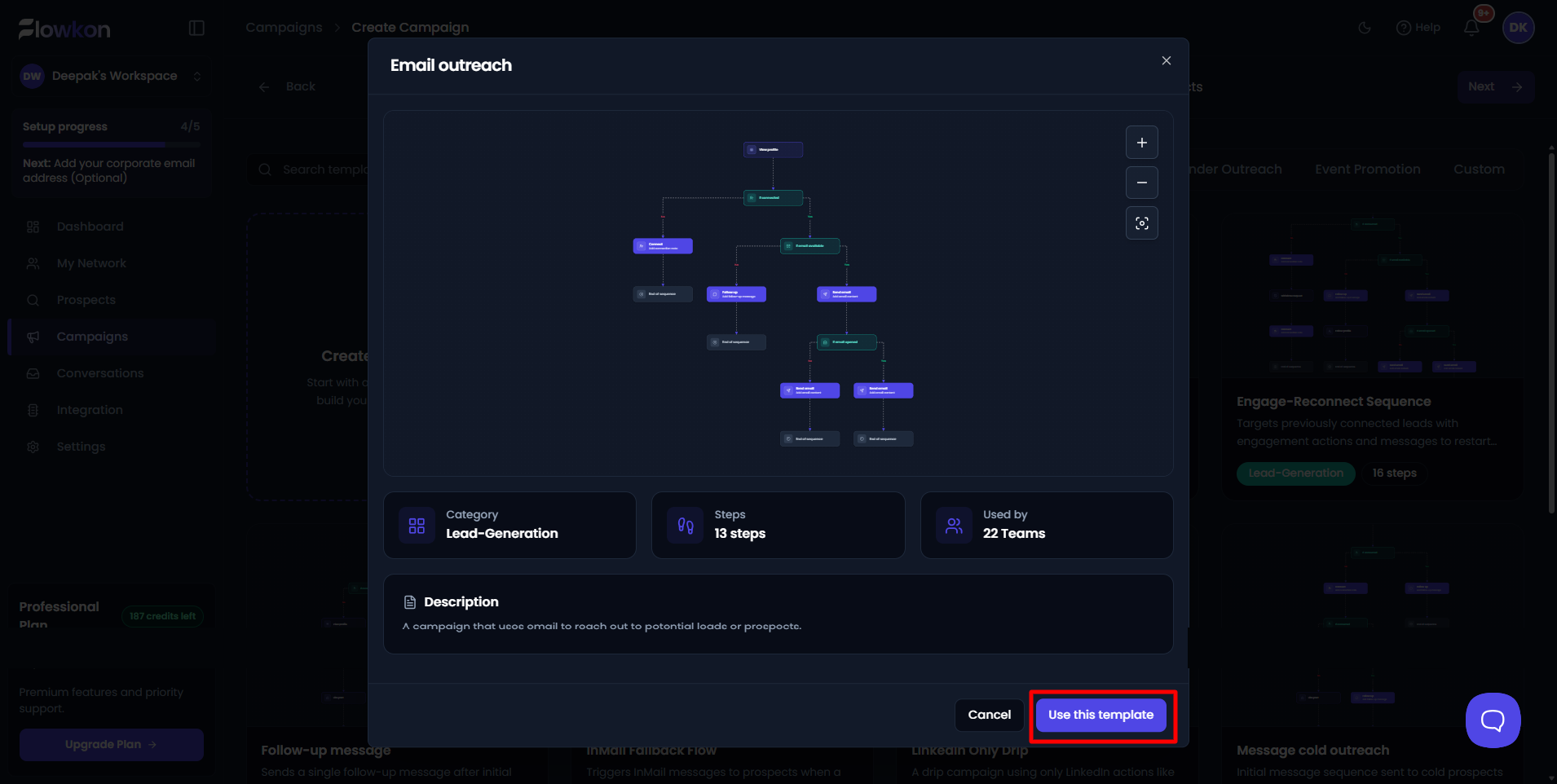
You can select any template based on your campaign requirements. After selecting a template click on use this template, the campaign flow will be loaded automatically in the builder for further customization if needed.
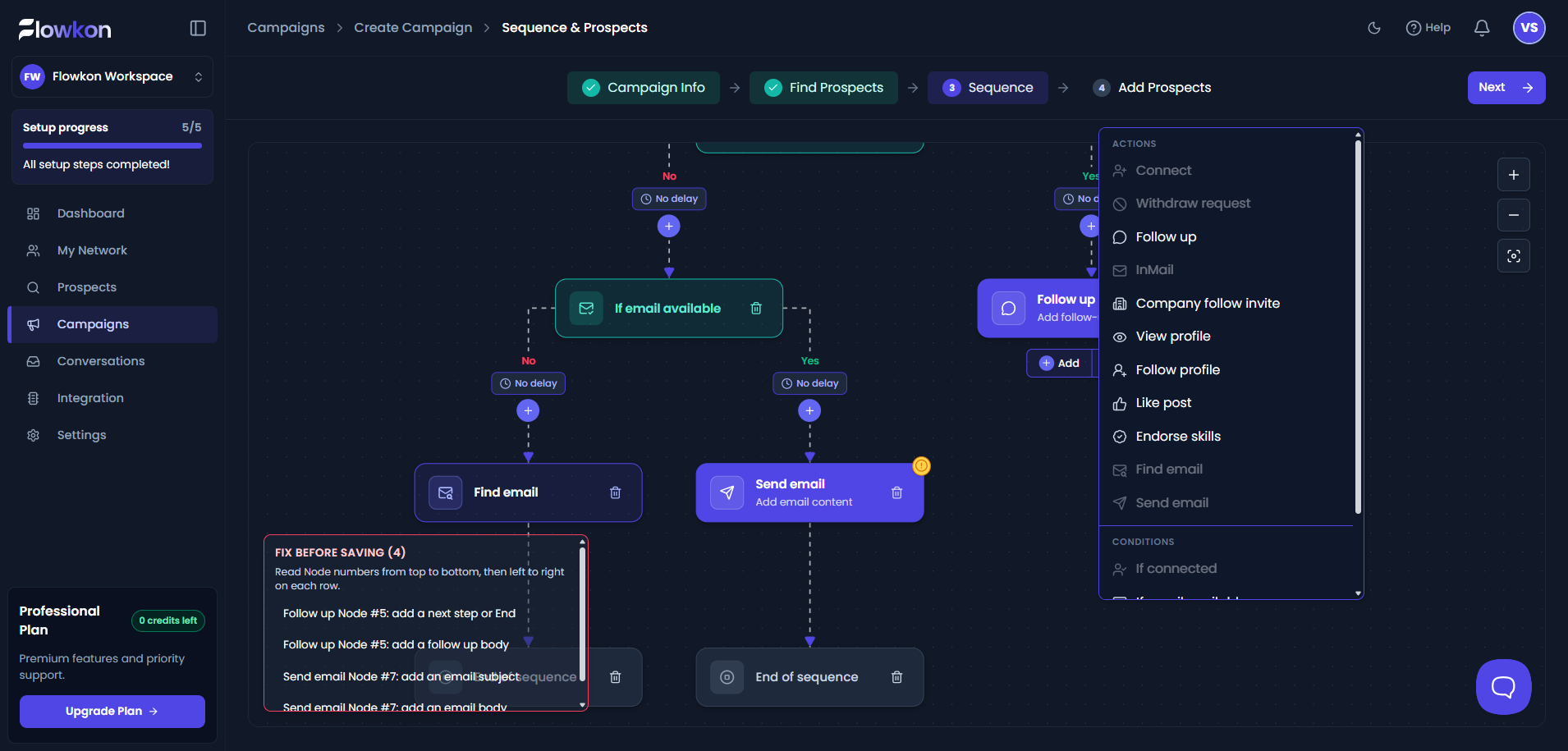
If you still want to add a node to the flow, click on the + add icon available in the builder. After clicking the + add icon, the list of available action nodes will be displayed. Select the required node from the list to add it to the campaign flow.
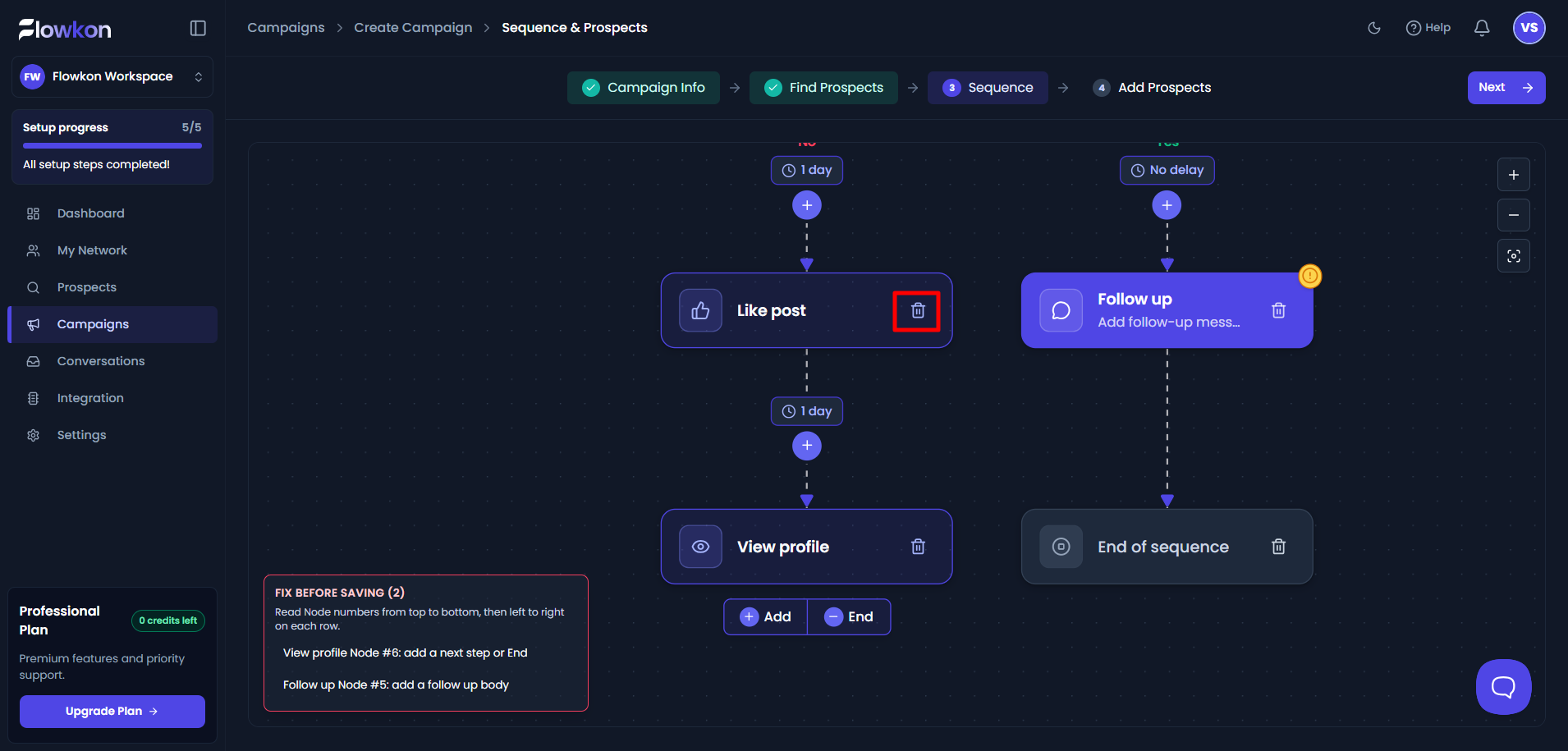
If you want to delete a node, click on the Delete icon available on the action node. If the node you are deleting has other connected nodes below it, all the connected downstream nodes will not be deleted. If the node is the last node in the flow and has no connected nodes below it, only that particular node will be deleted.