How can I edit workspace details in Flowkon?
- Click on the Workspace name from the sidebar.
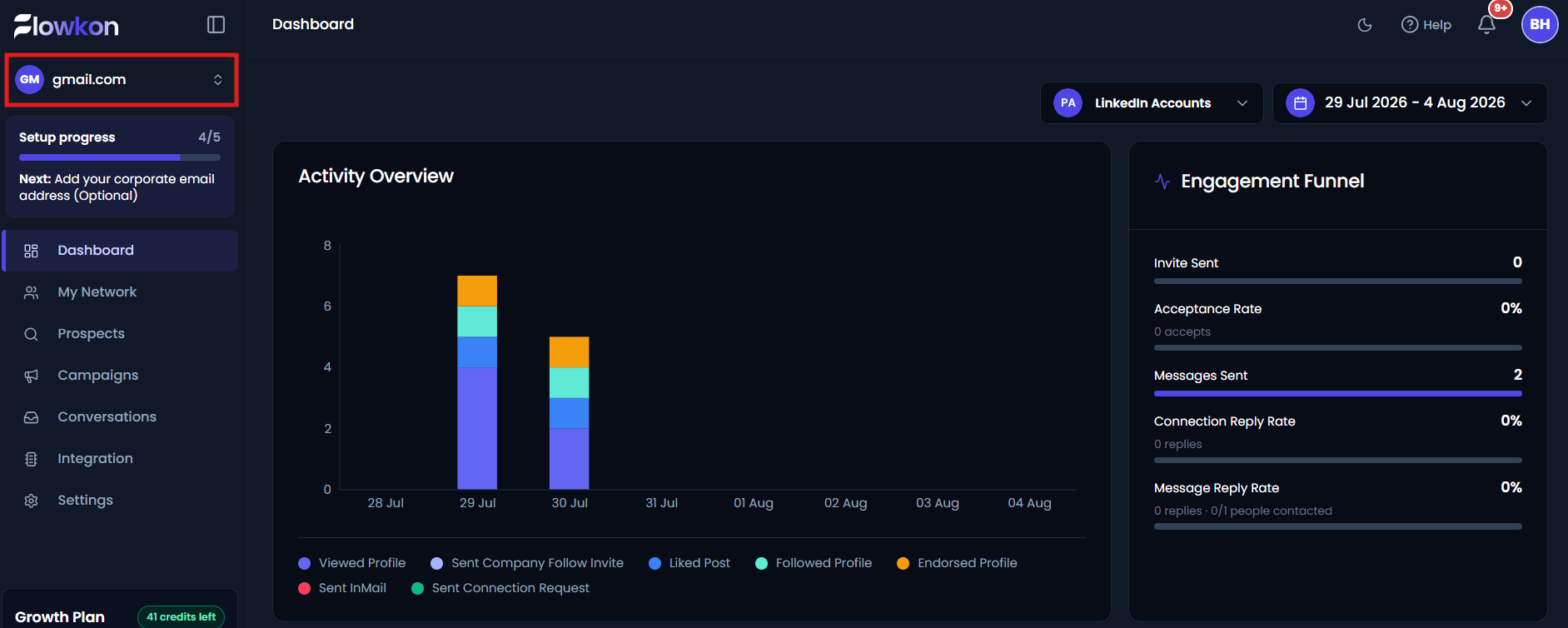
- Click on Manage workspace.
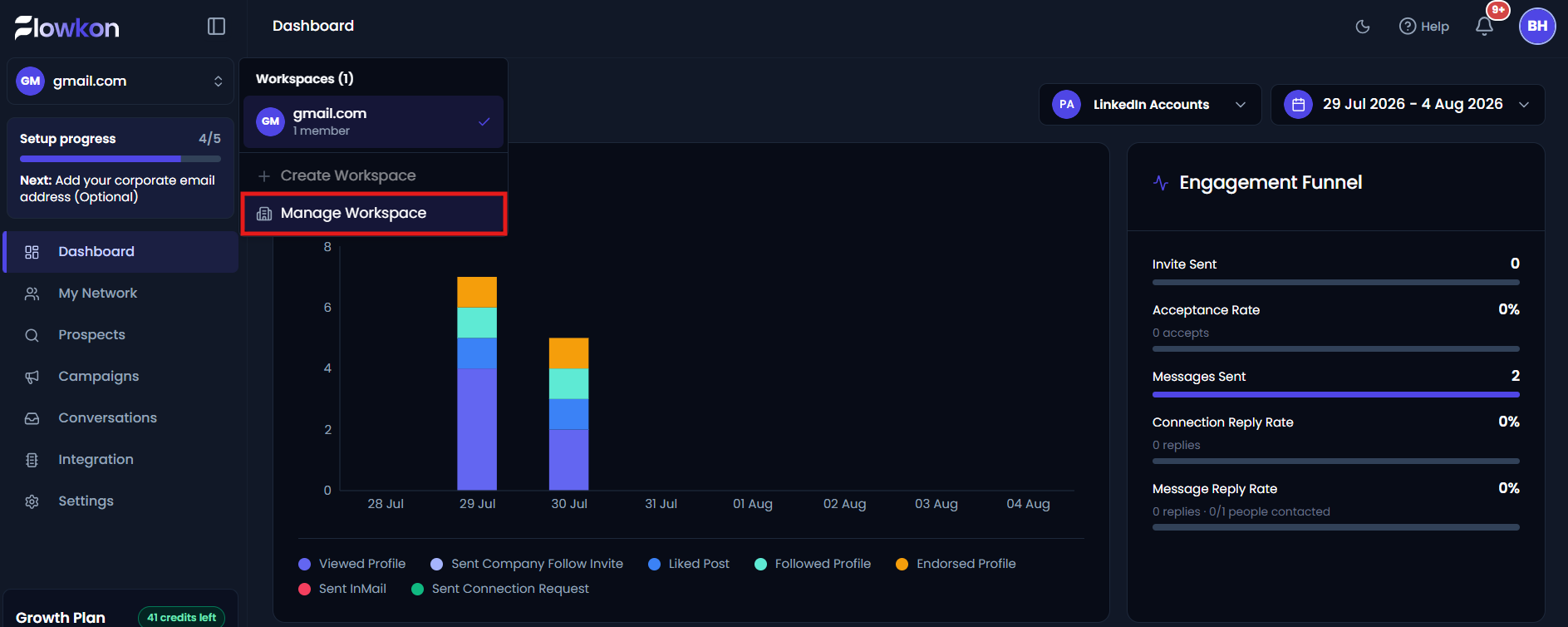
- The workspace dashboard will open, displaying the list of available workspaces. Select the workspace in which you want to edit.
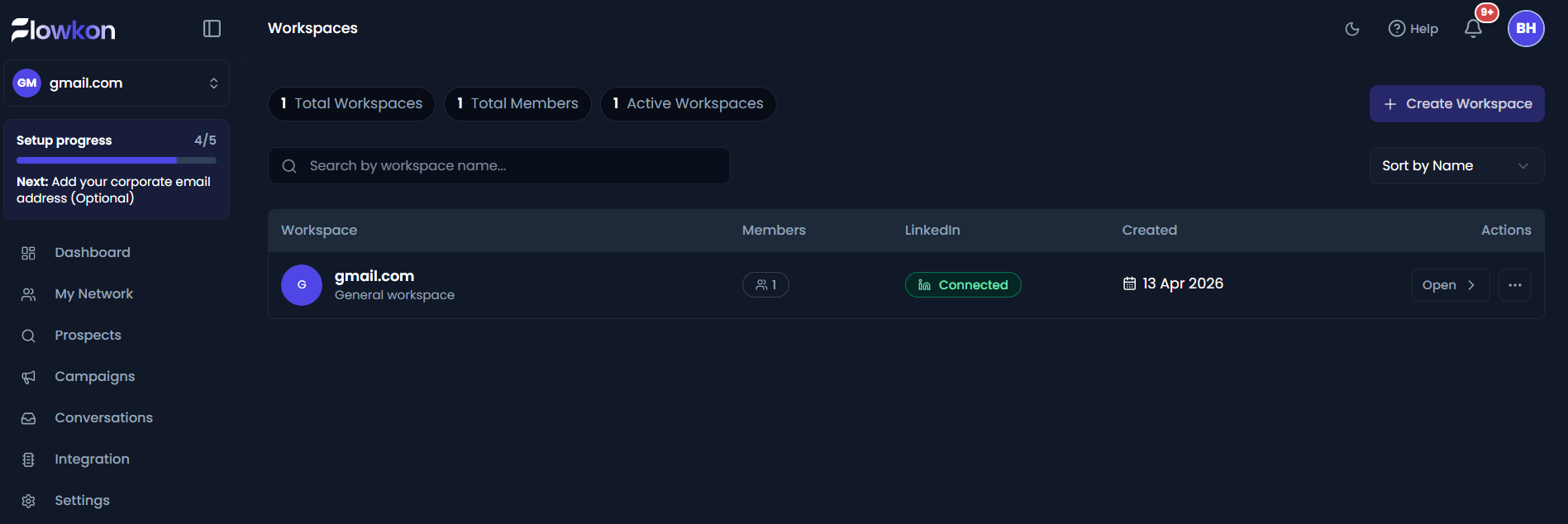
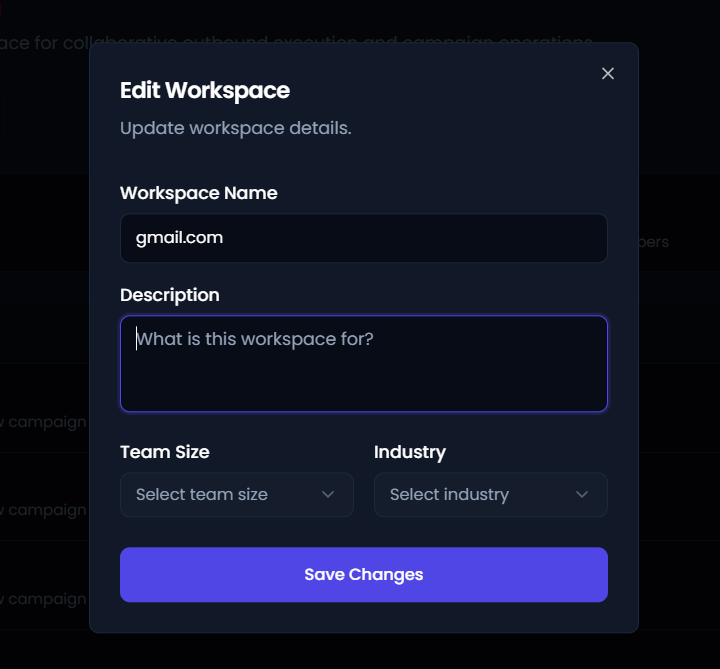
- After clicking on the workspace, you will be redirected to the workspace overview page. Click on the edit workspace button
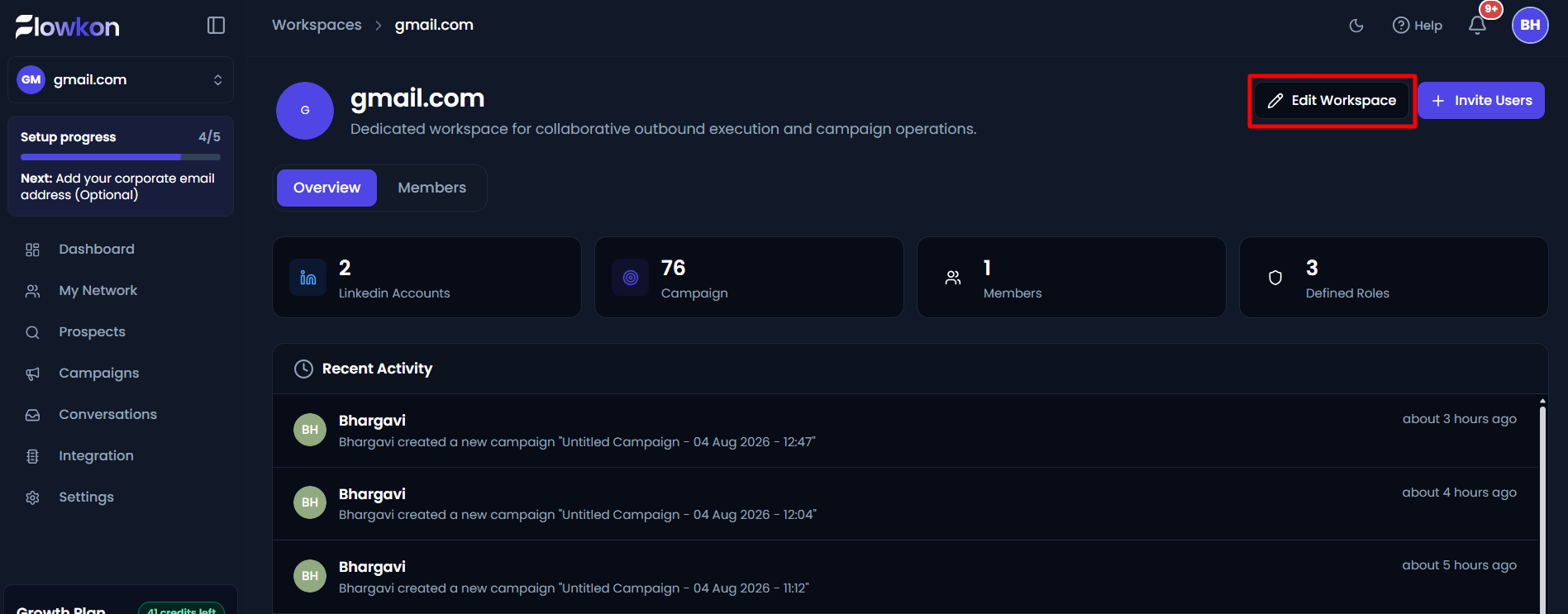
- Edit the workspace according to the requirement and click on the save changes button to save.
Did this answer your question?
Thanks for the feedback
There was a problem submitting your feedback. Please try again later.
No results found
