Create your Flowkon account
Create your Flowkon account in a few simple steps and start automating your LinkedIn outreach.
Step 1: Visit the Flowkon Website
Go to the official Flowkon website.
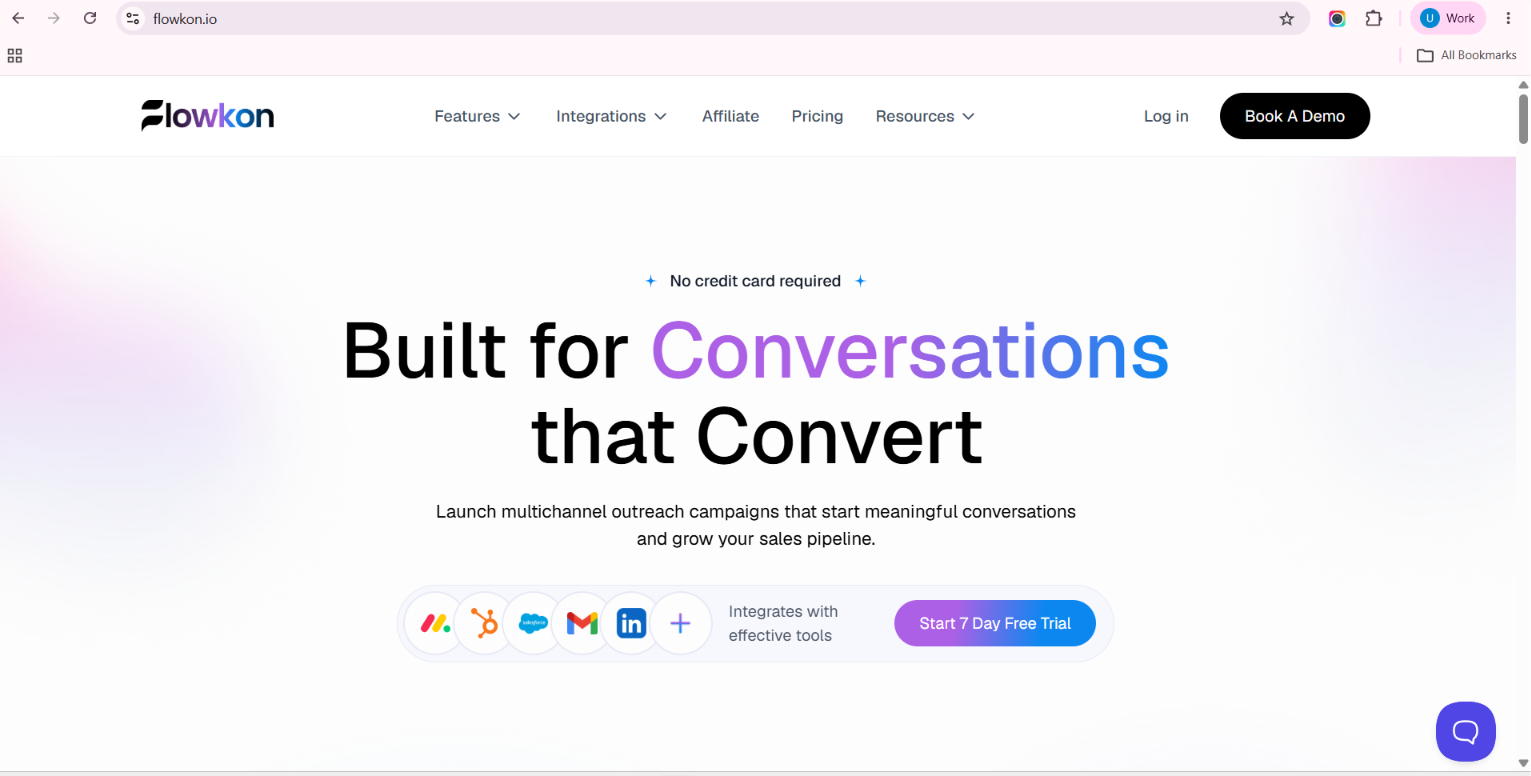
Step 2: Click on Login
On the Flowkon website, click Login to access the login page.
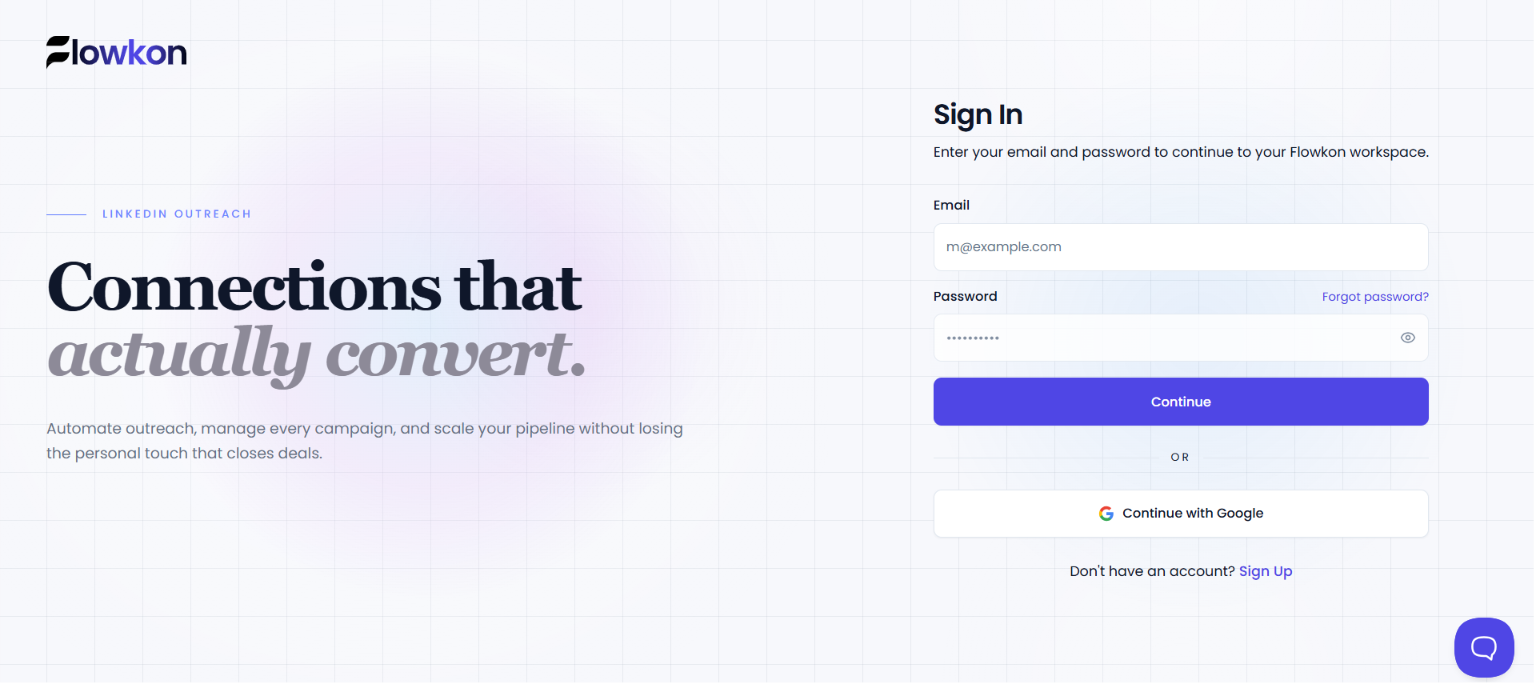
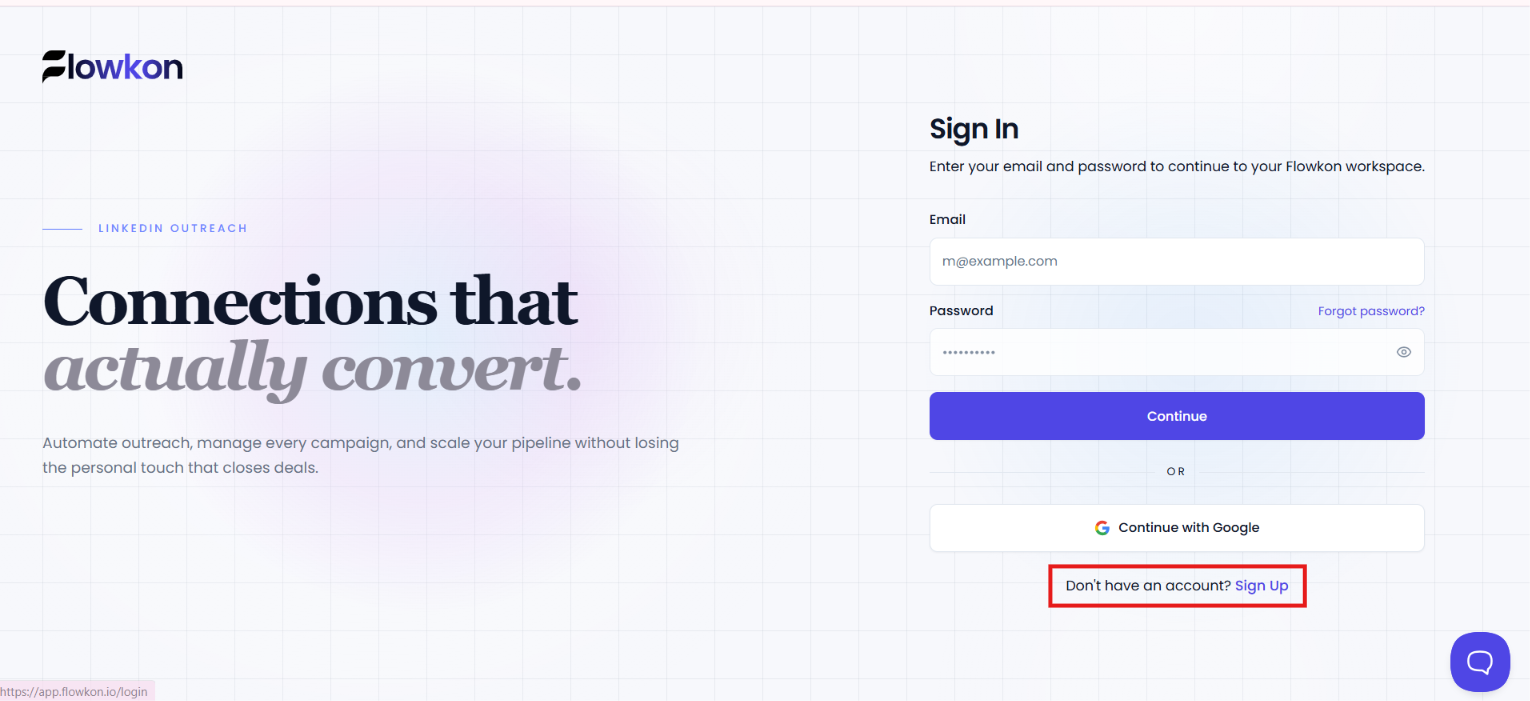
Step 3: Click on Sign Up
If you are a new Flowkon user and do not have an account yet, look at the bottom of the login page and click Sign Up next to "Don't have an account?"
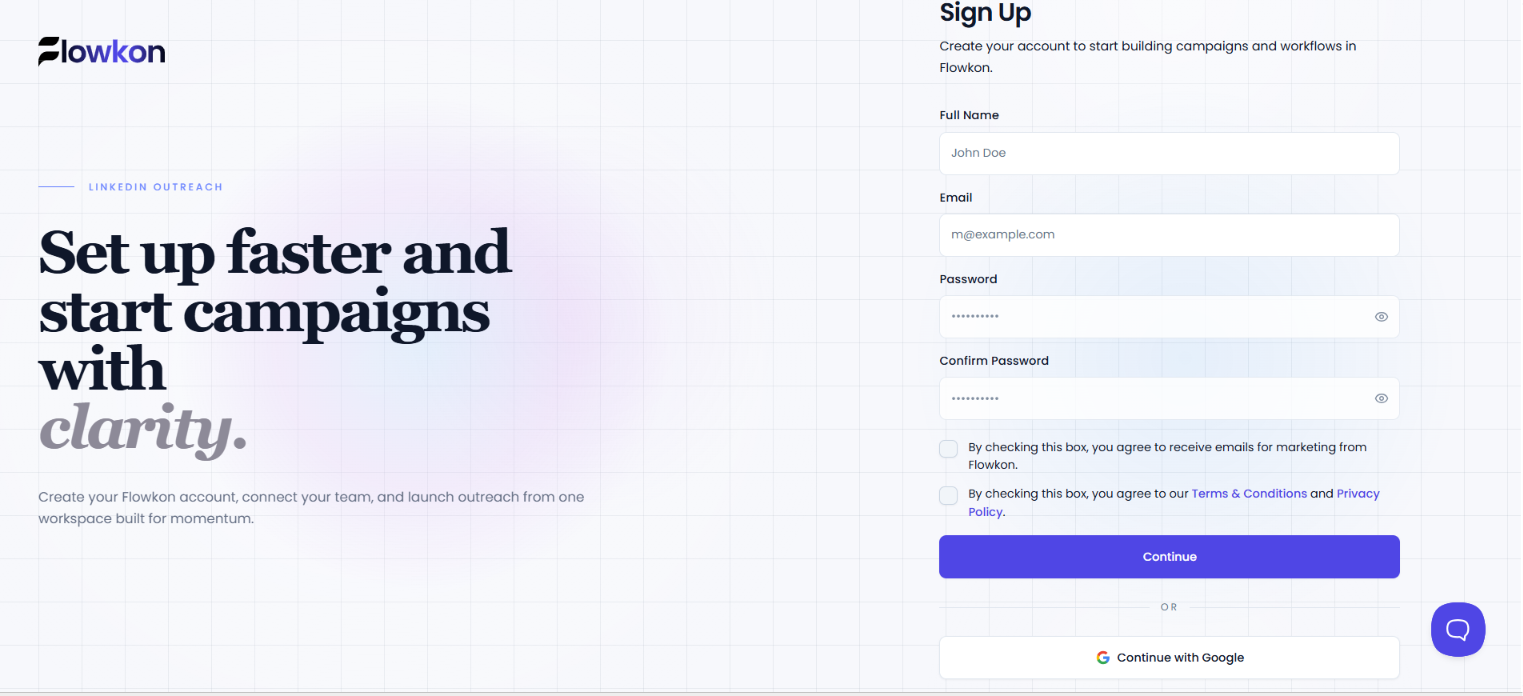
Step 2: Enter Your Account Details
Enter the required information, such as your name, email address, and password on the signup page
Note - Your password should be eight characters long and alphanumeric for better security.
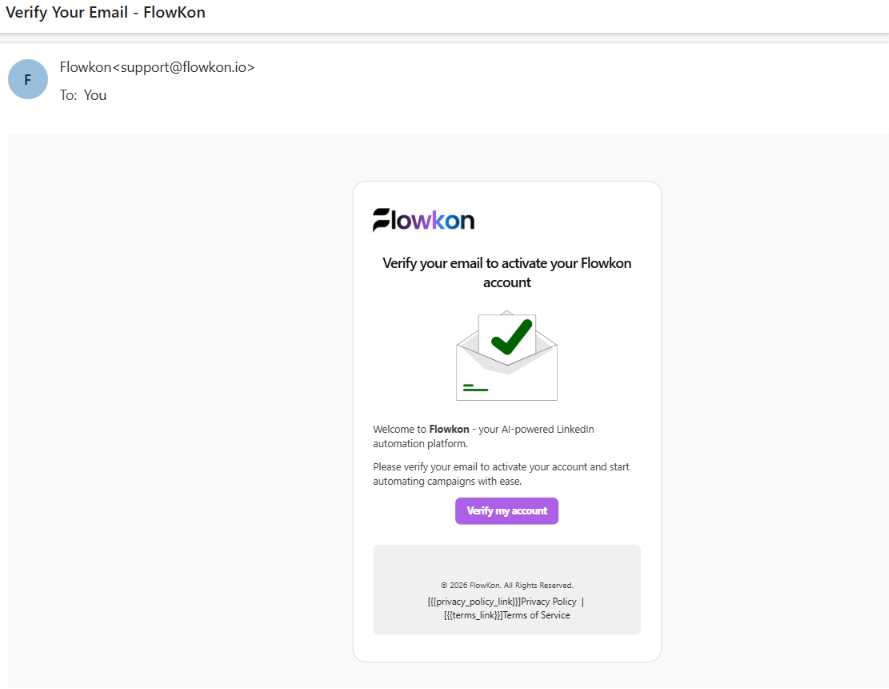
Step 4: Verify Your Email
After submitting your details, check your email inbox for the verification email from Flowkon. Click the verification link to confirm your email address.
Step 5: Complete Your Account Setup
Once your email is verified, follow the on-screen instructions to complete your Flowkon account setup.
Step 6: Start Using Flowkon
After completing the setup, you'll be redirected to your Flowkon dashboard. From here, you can connect your LinkedIn account and start creating your first campaign.
Next step: Learn how to connect your LinkedIn account and set up your first campaign.