Sign in to your Flowkon account
To access your Flowkon workspace, open the Flowkon Sign In page and enter the login credentials you used during registration.
You can sign in using either:
- Your email address and password
- Your Google account (if you registered with Google or use the same Google email address)
Sign in with your email and password
- Open the Flowkon login page.
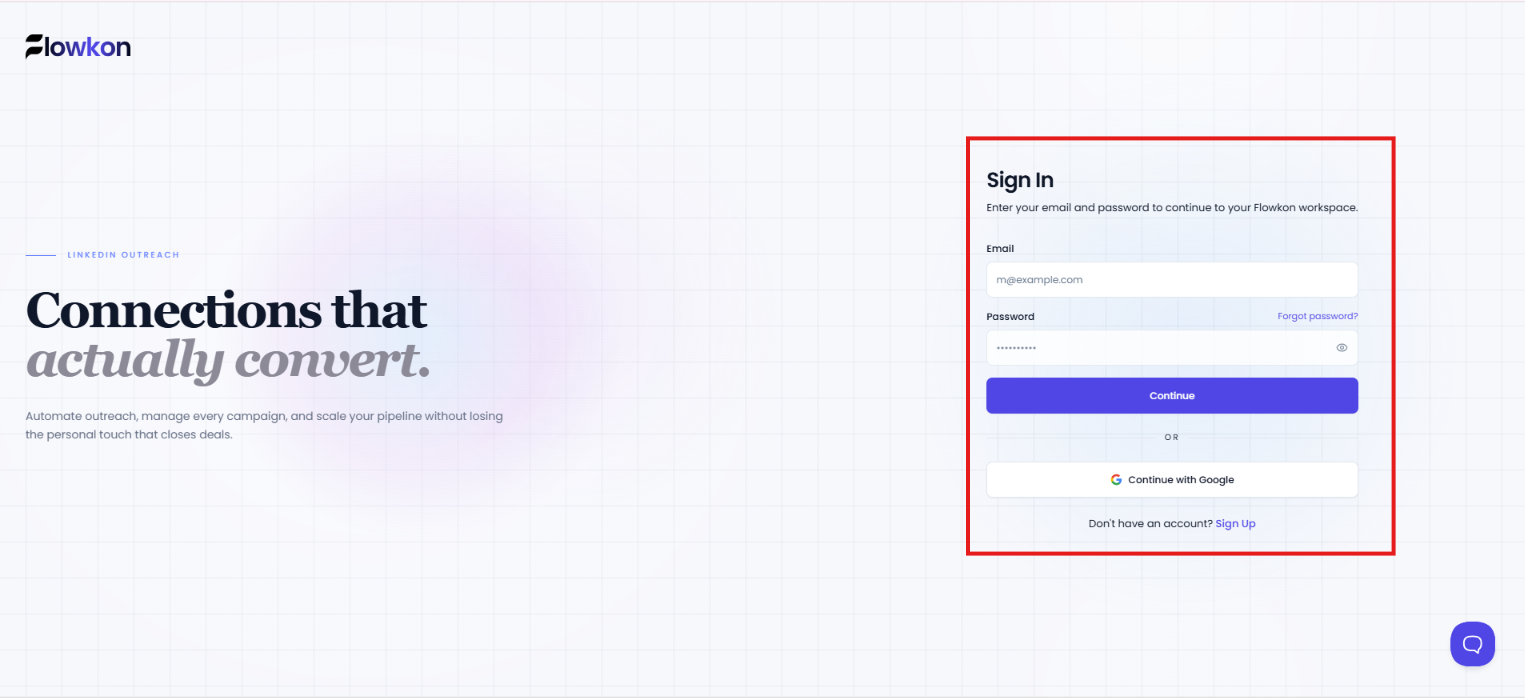
- Enter the email address associated with your Flowkon account.
- Enter your password.
- Click the Continue button.
If your credentials are correct, you will be redirected to your Flowkon workspace.
Sign in with Google
You can also use the Continue with Google option.
Click the Continue with Google button and select the Google account associated with your Flowkon profile.
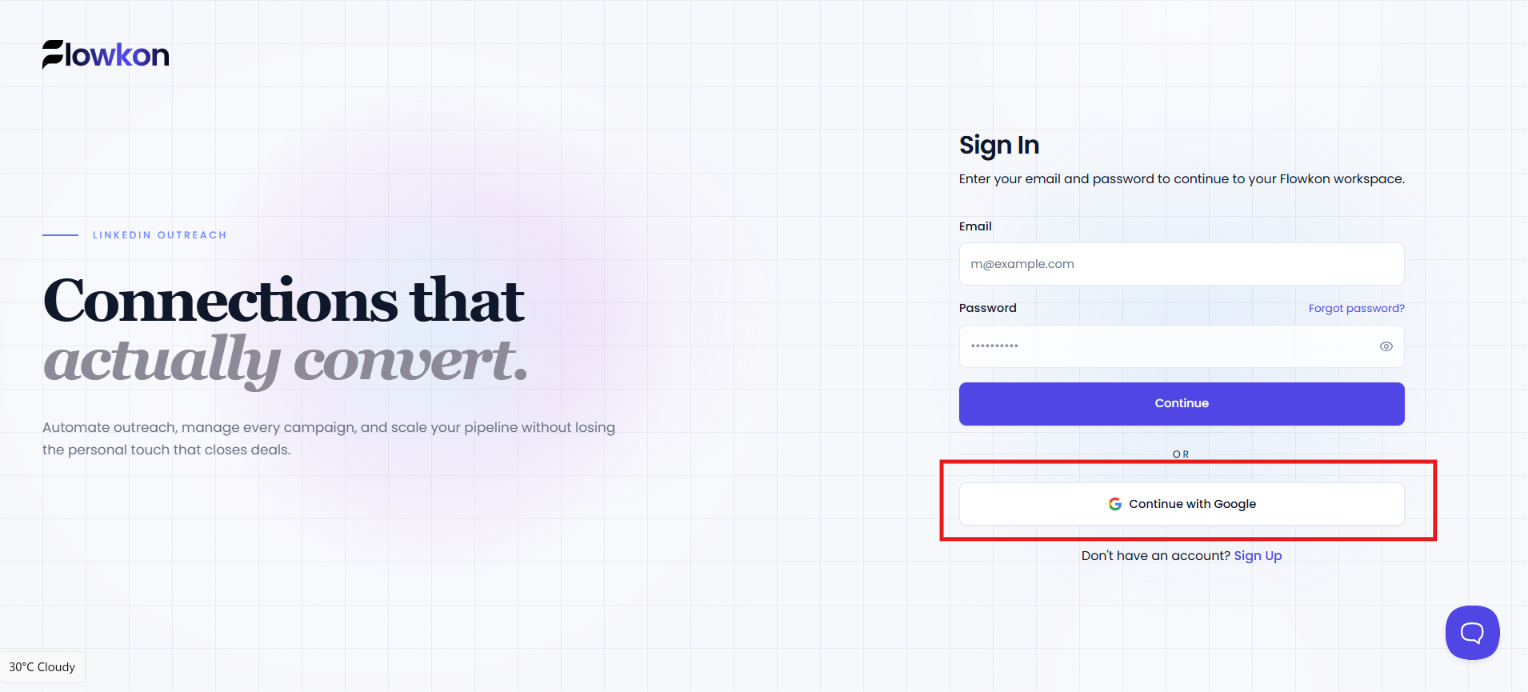
Important: Even if you originally created your account using email and password, you can still use Google Sign-In later, as long as you choose the same email address that was used to register your Flowkon account.
Google sign-in issues
If Google authentication fails, you may see an error message indicating that the sign-in attempt was unsuccessful.
In this case:
- Verify that you selected the correct Google account.
- Make sure the Google email matches the email used for your Flowkon account.
- Try signing in again.
- If the issue persists, contact the Flowkon support team.
Signing in after accepting a workspace invitation
If you received a workspace invitation from a teammate:
- New users can create an account directly from the invitation link.
- Existing users can simply sign in using their current credentials.
After authentication, you will automatically join the shared workspace associated with the invitation.
Frequently Asked Questions
Can I use my Gmail address to sign up?
Yes. You can register using any valid email address, including Gmail.
Can I register using Google?
Yes. Click Continue with Google and select the Google account you want to use.
What happens if I receive a workspace invitation?
Your invitation link will automatically associate your account with the workspace after registration and email verification.
Why can't I edit my email address?
If you open a workspace invitation link, the email address is pre-filled to ensure you join the correct workspace.
Do I need to verify my email?
Yes. Email verification is required before you can access your Flowkon account.
I already have an account. Should I sign up again?
No. If you already have a Flowkon account, use the Sign In page instead of creating a new account.
If you forgot your password, use the Forgot Password option from the login screen to reset your password.