How to add/remove a billing contact?
To add a billing contact:
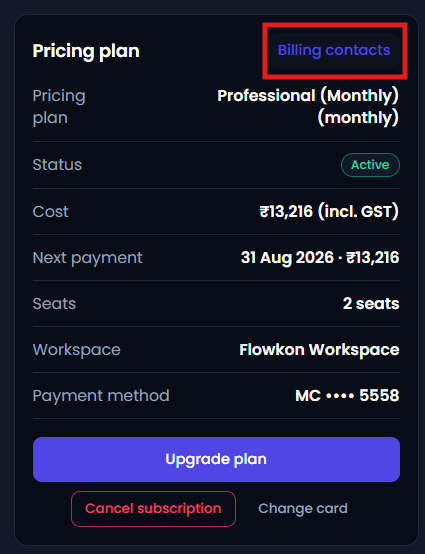
- Click on the Billing Contact button in the subscription page.
- A popup window will appear.
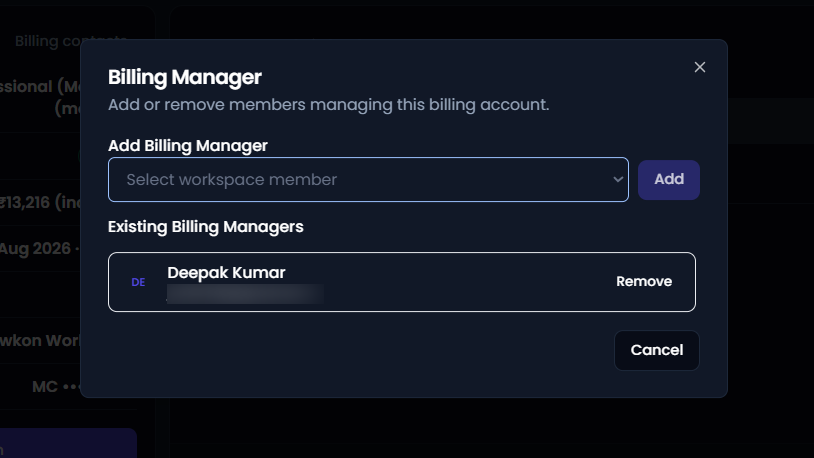
- From the popup, you can select any workspace member to assign as the billing manager.
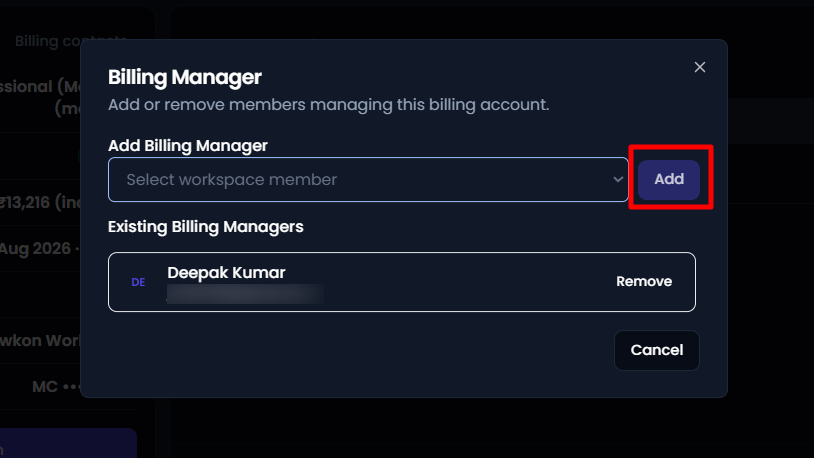
- Once selected, click on Add.
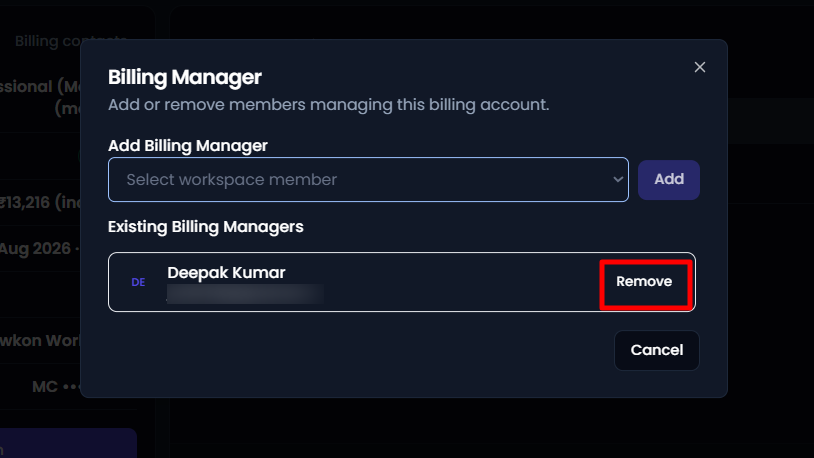
- If you want to remove the billing manager, then click on remove button.
The selected billing manager will then be granted access to billing-related information and can help manage subscription, invoices, payments, and other billing activities.