How to edit or delete the custom variable?
- In the Active Definitions section, you will see the pencil icon. Click on that icon to edit the variable.
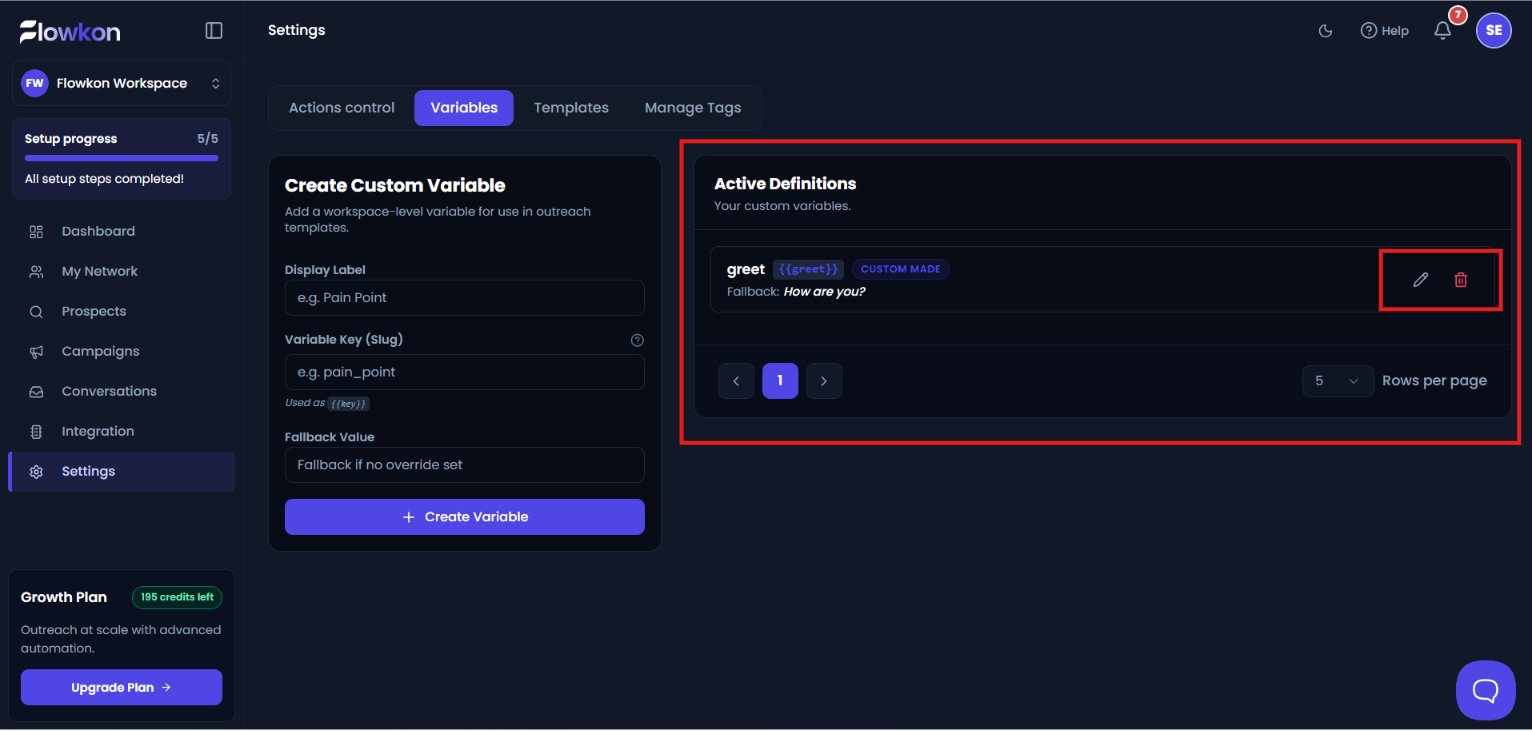
- After clicking, a popup window titled Edit Custom variable will open.
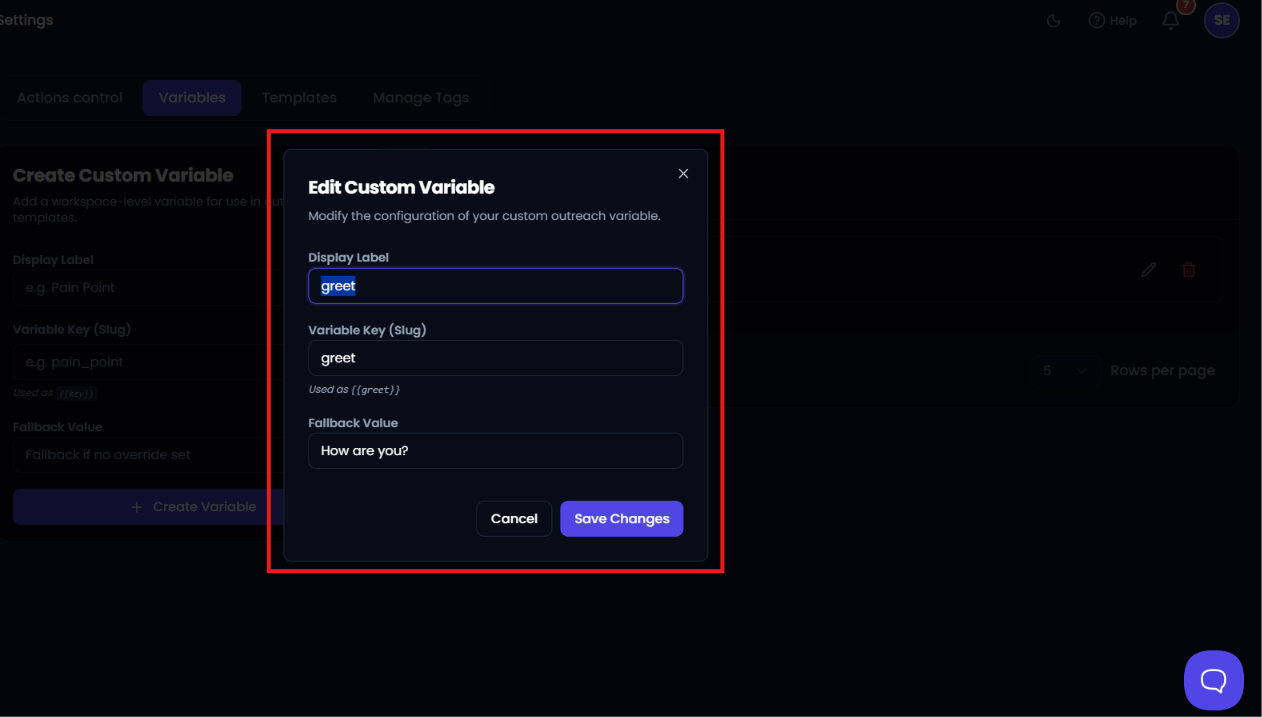
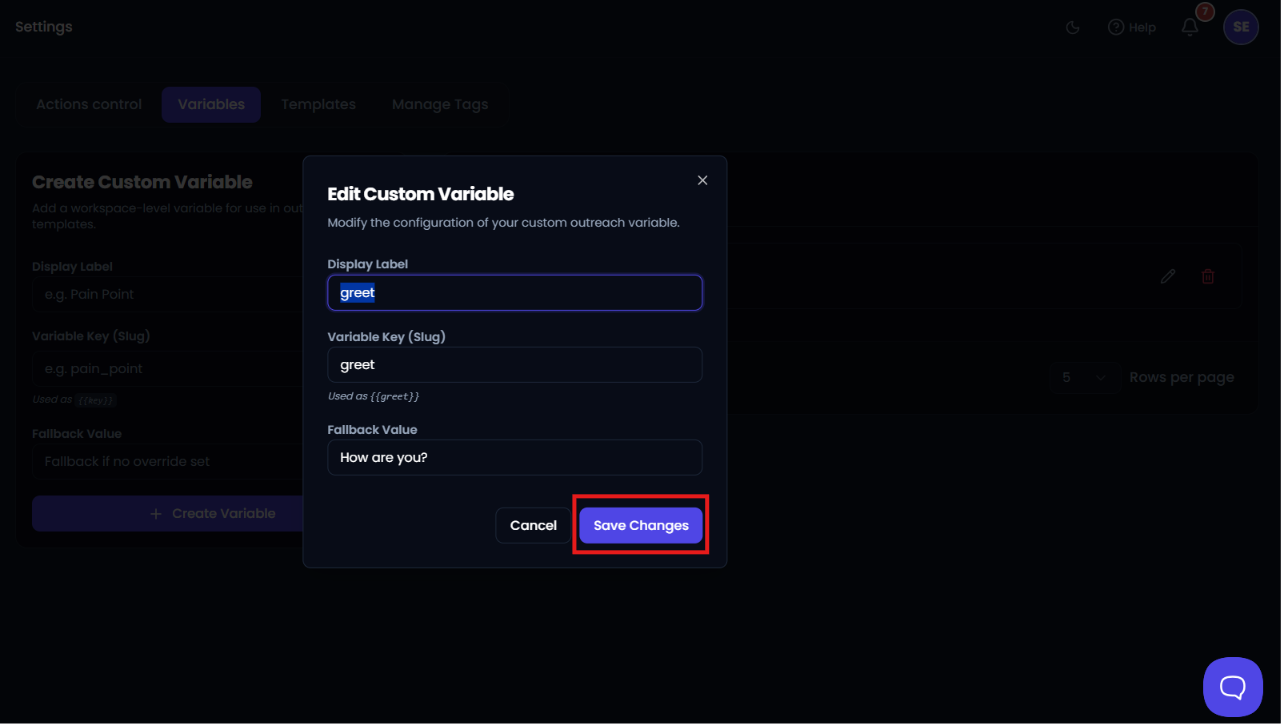
- Enter the values you want to change, then click on Save Changes to save the updated variable successfully.
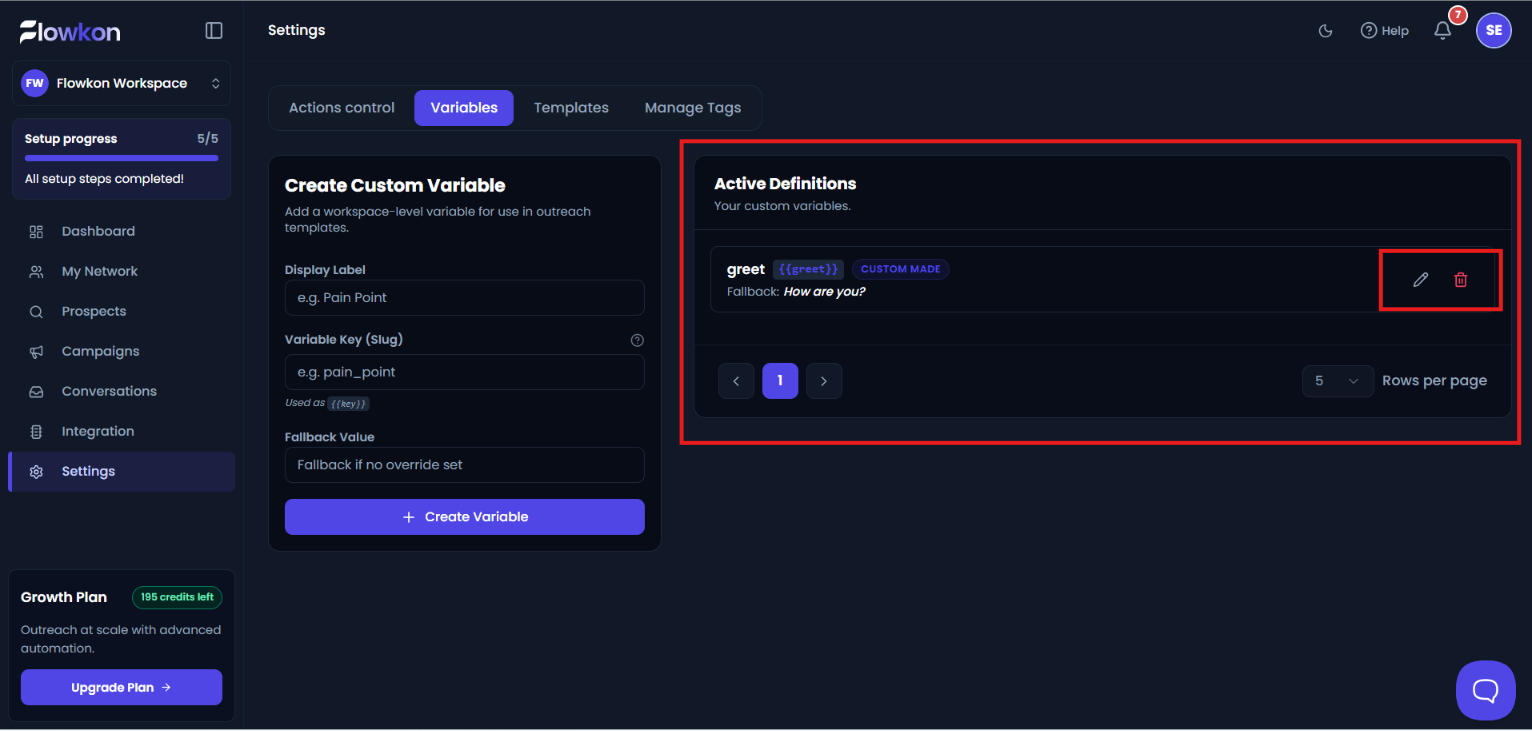
- If you want to delete a variable, click on the delete icon available in the Active Definitions section.
- A confirmation popup will open with Cancel and Delete options.
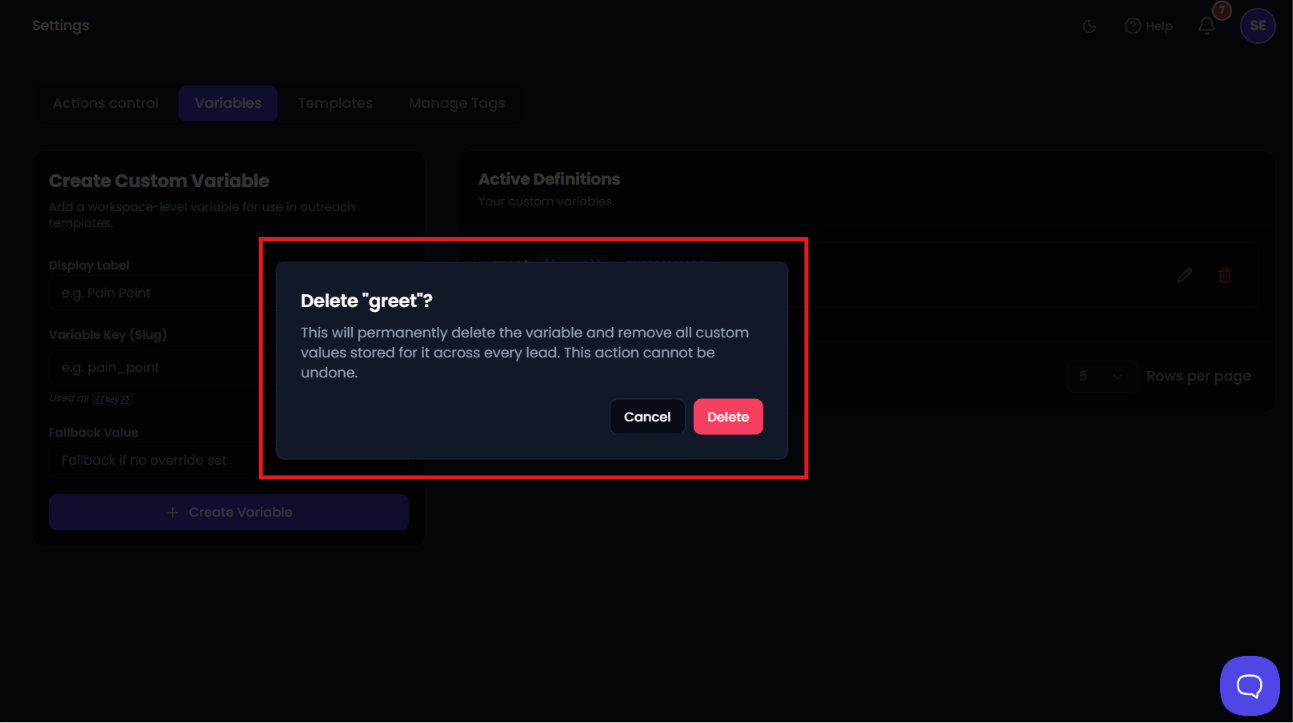
- Click on Delete to permanently remove the variable.
Did this answer your question?
Thanks for the feedback
There was a problem submitting your feedback. Please try again later.
No results found
