How do I use system default variables in campaign messages?
Default variables allow you to personalize campaign messages for each prospect
Available default variables are
- Industry - Fetches the prospect’s industry information.
- Profile URL - Inserts the prospect’s LinkedIn profile URL.
- Company Name - Fetches the prospect’s current company name.
- Job Title - Inserts the prospect’s current job title.
- Sender Name - Inserts the sender’s name automatically.
- Last Name - Fetches the prospect’s last name.
- First Name - Fetches the prospect’s first name.
How to use default variables in messages?
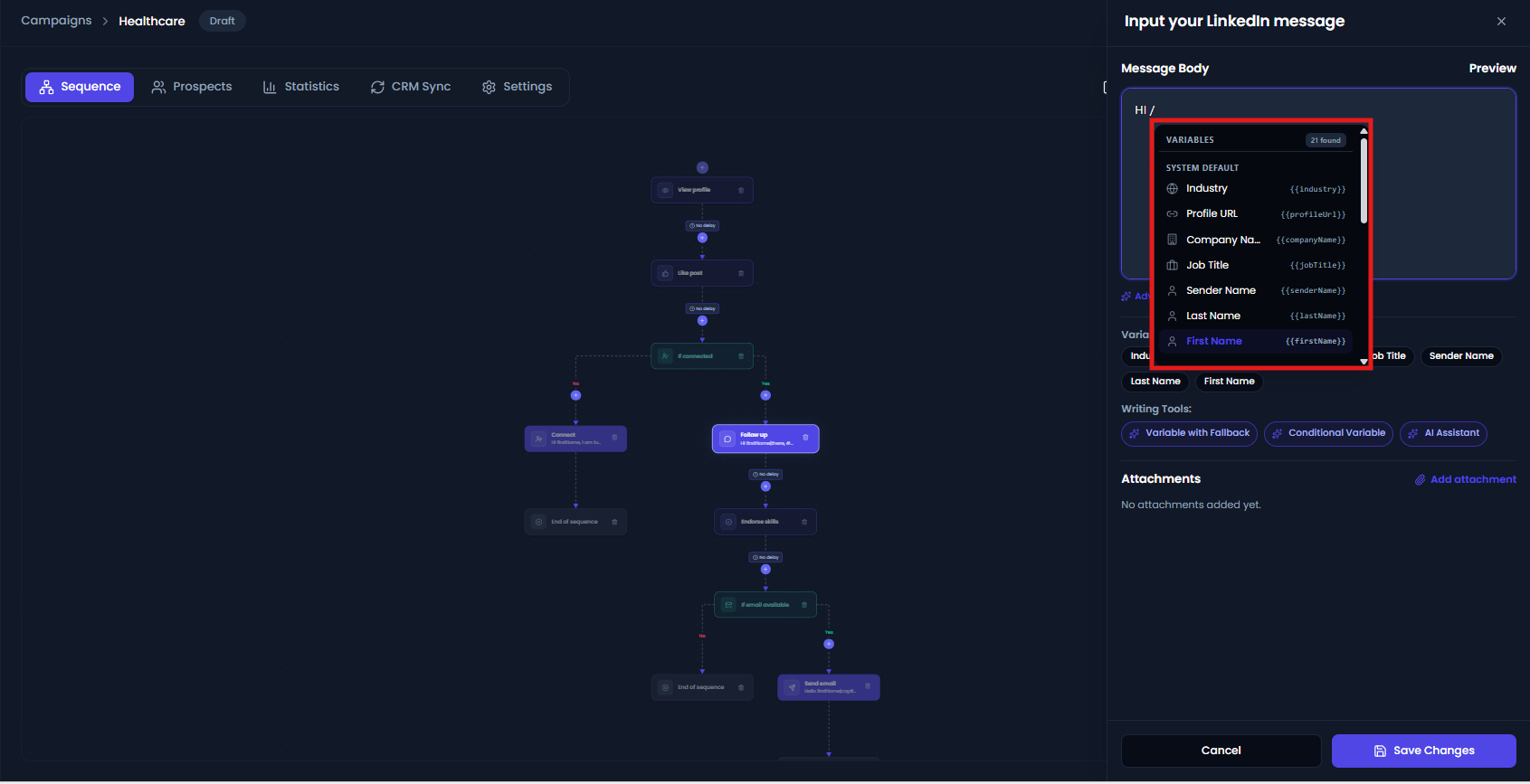
You can insert default variables into your message by typing / inside the message box. This will open the variables dropdown, where you can select the required variable. Once selected, the variable will be inserted at your cursor position in the message.
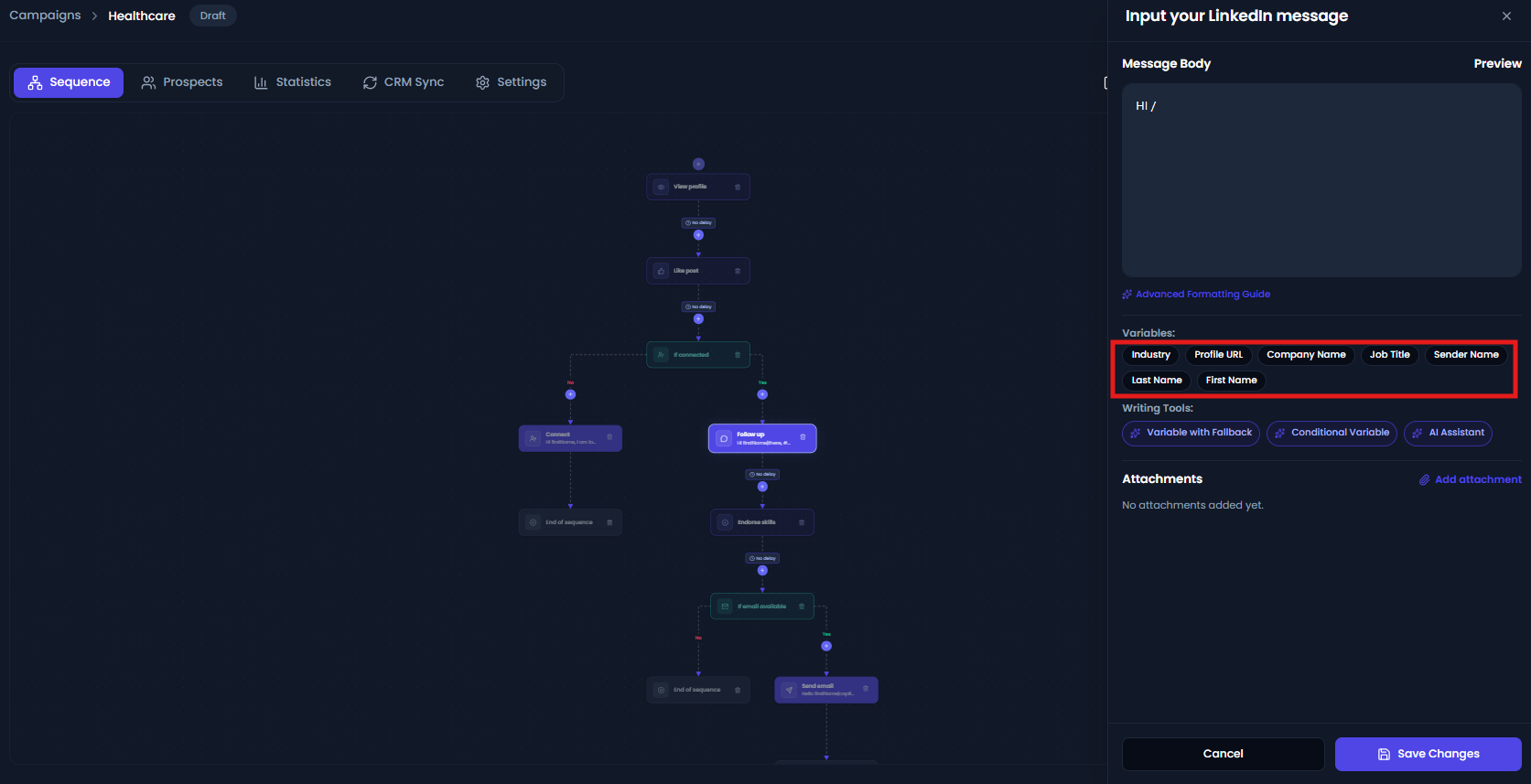
You can also select the variables from picker.
After adding your message with variables, make sure to save it by clicking the Save Messages button.
When the campaign runs, these variables automatically fetch prospect-specific information such as first name, last name, company name, job title, and industry, making your outreach more personalized.
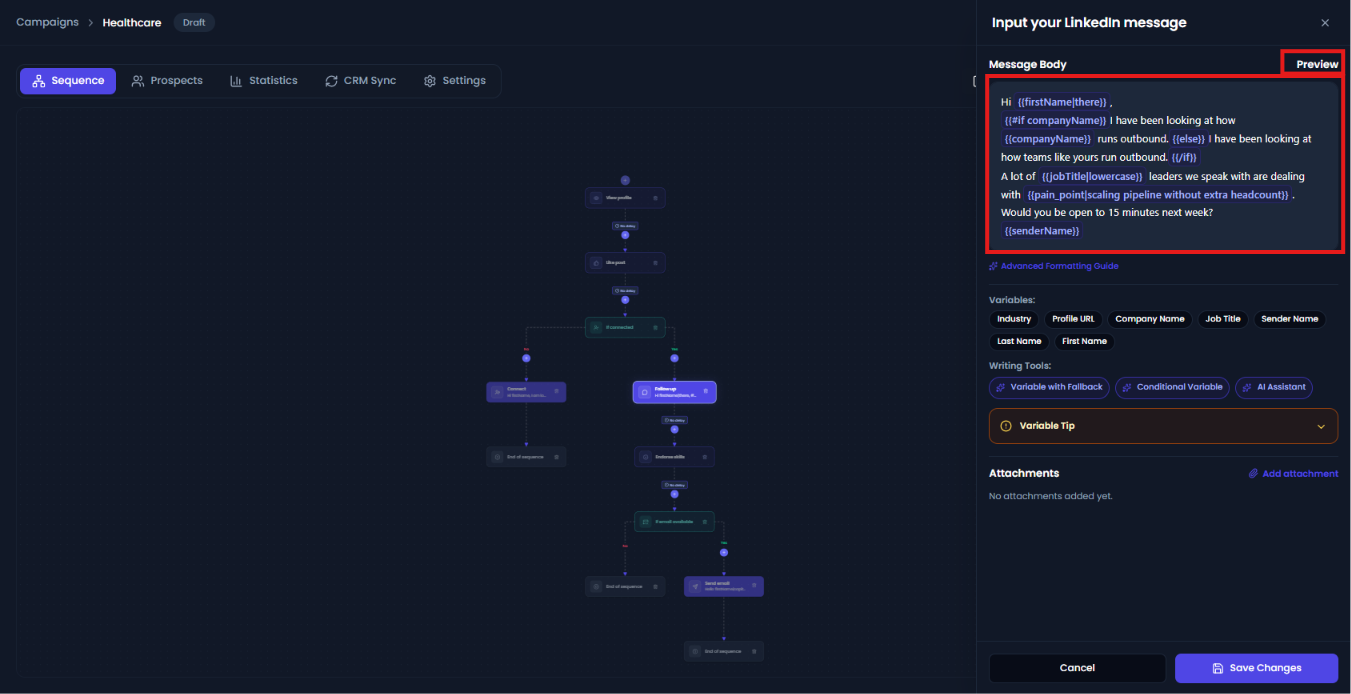
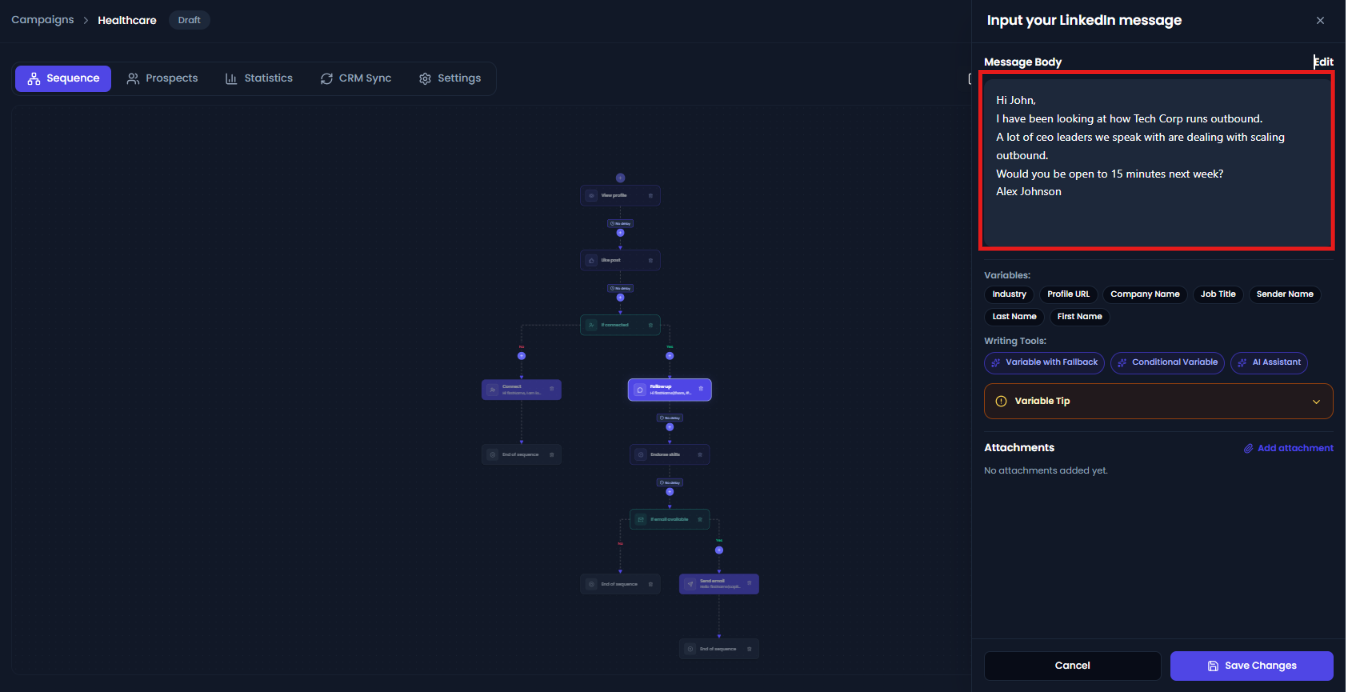
If you want to see how your message will appear to a prospect , you can click on Preview. This allows you to view the final message with all variables replaced by actual prospect data, such as first name, company name, or job title, before the message is sent.