-p-2000.png)
Where can you manage your mailbox?
- Open your Flowkon account.
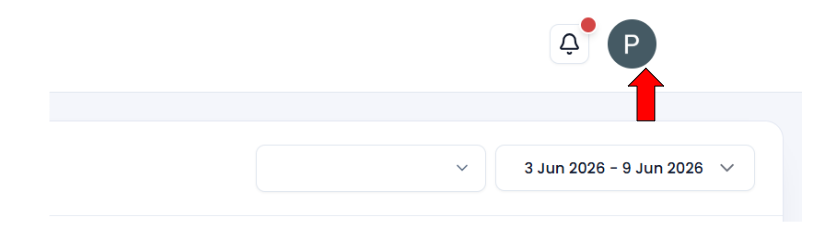
- Click on your profile avatar.
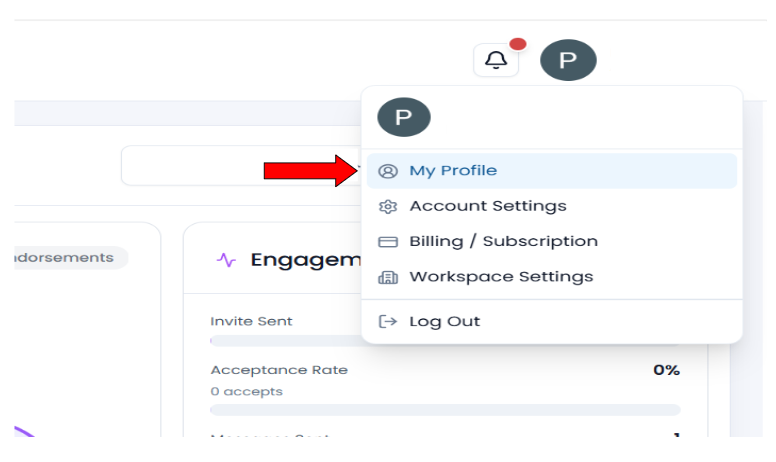
- Navigate to My Profile.
- Scroll to the Manage Mailbox section.
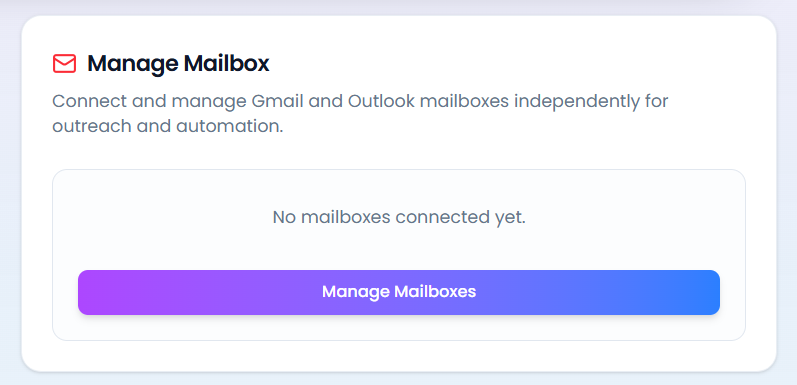
5. Click the Manage Mailboxes button.
From here, you can connect, update, or disconnect your mailbox.