How can I monitor webhook history in Flowkon?
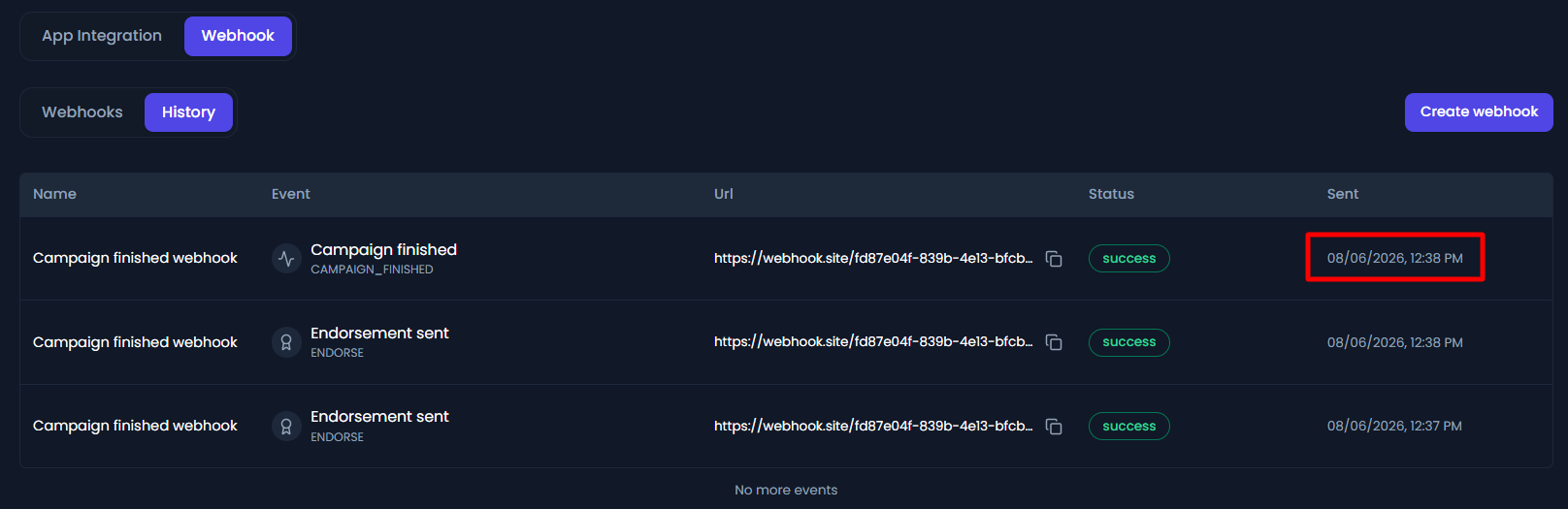
The Webhook History tab helps you monitor every webhook delivery made by Flowkon. It provides a complete audit trail of all webhook events that were triggered and sent to your configured endpoints, making it easier to debug integrations and verify that external systems are receiving updates correctly.
Whenever one of your selected events occurs-such as a connection request being sent, a campaign starting, or an email being opened-Flowkon creates a webhook payload and attempts to deliver it to your configured URL. Every delivery attempt is recorded in the history log.
What information is available in Webhook History?
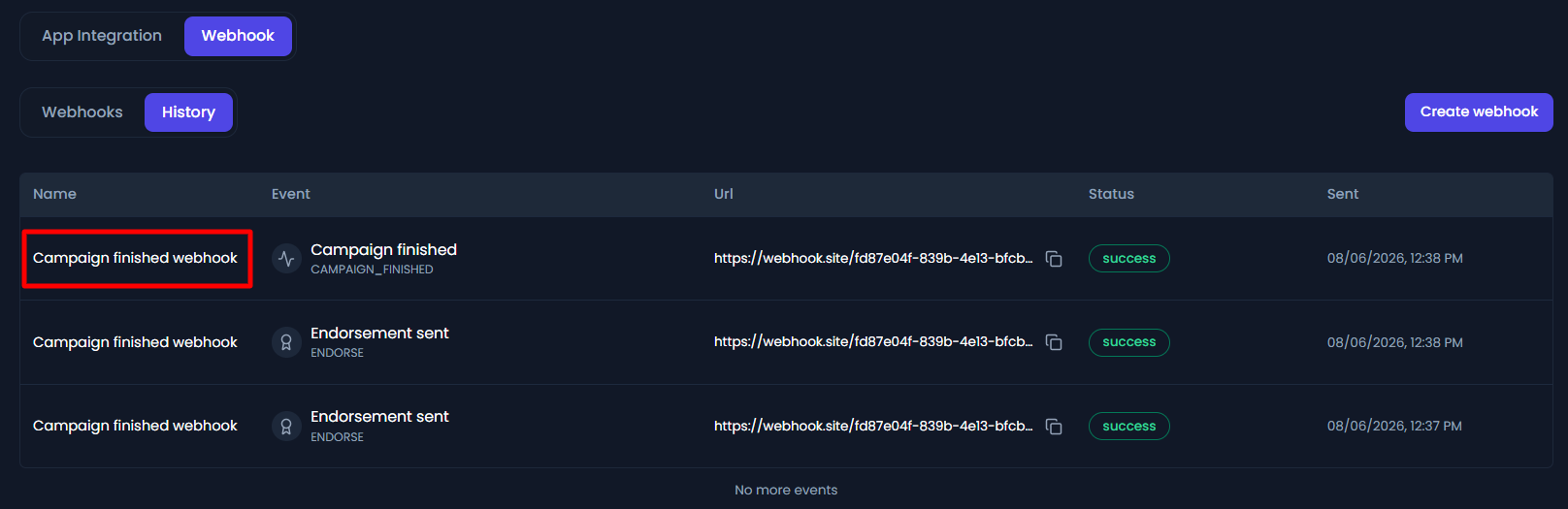
Webhook Name
Displays the name of the webhook endpoint that received the event. This helps identify which integration or external system the payload was intended for.
Event Type
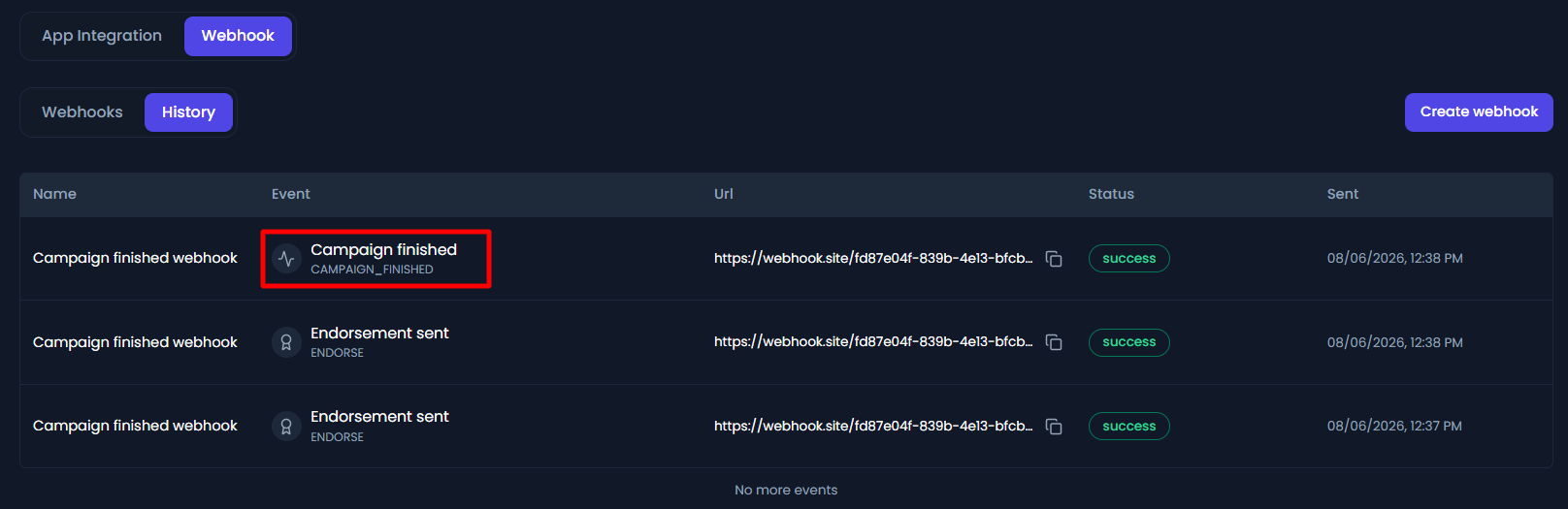
Shows the event that triggered the webhook, such as:
- Connection request sent
- Campaign started
- Contact tagged
- Email opened
- Profile viewed
Along with the friendly event name, Flowkon also stores the internal event key for easier troubleshooting and API debugging.
Destination URL
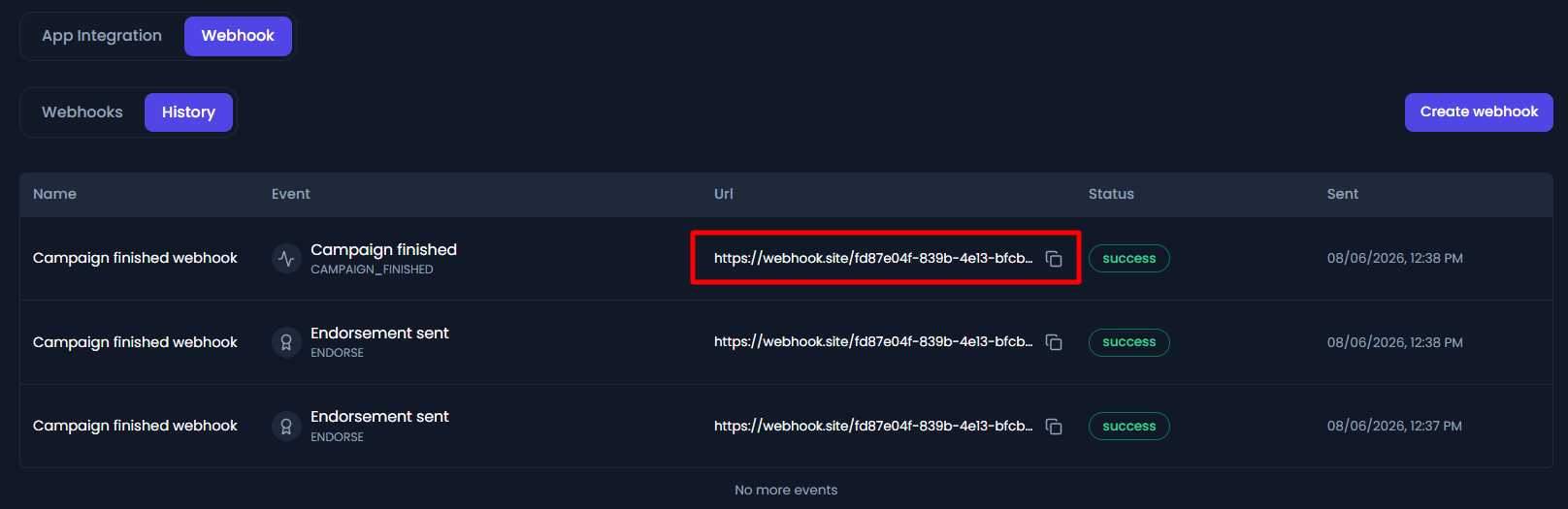
Displays the webhook endpoint URL where Flowkon attempted to send the payload.
For security and convenience, you can quickly copy the URL directly from the history table using the copy icon.
Delivery Status
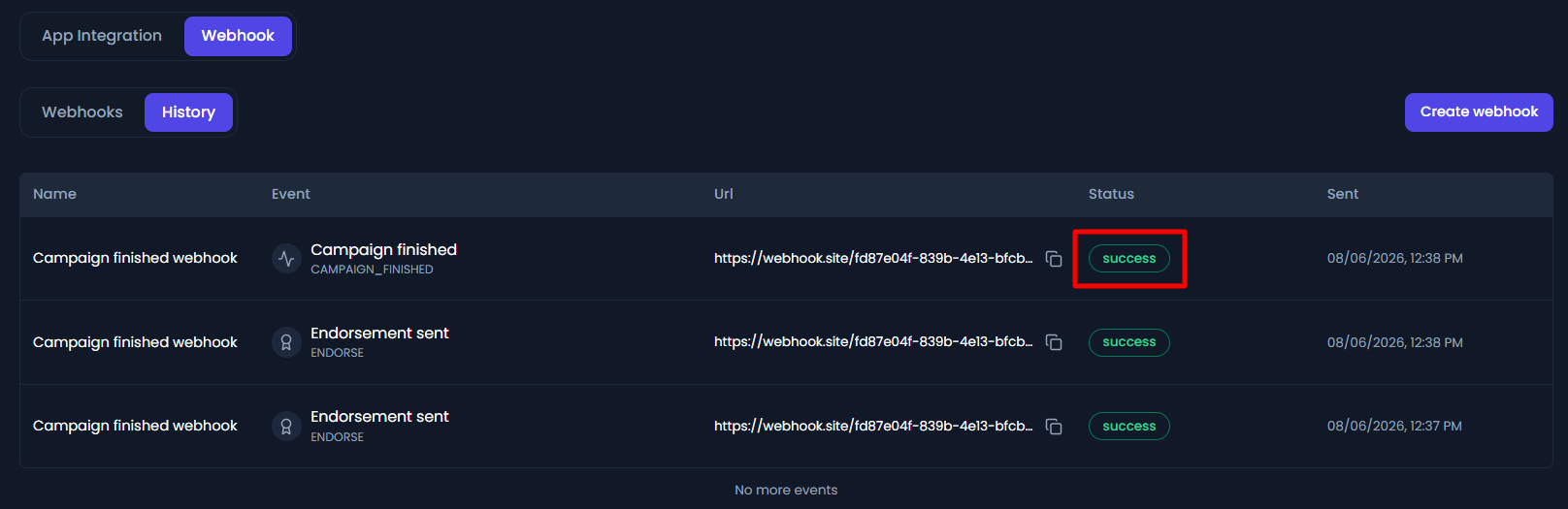
Each webhook delivery includes a status indicating whether the request was successfully delivered.
Success
- Flowkon successfully sent the webhook and received a successful HTTP response from your server.
Failed
- The destination endpoint could not be reached or returned an error response.
Failed deliveries usually indicate:
- The endpoint URL is incorrect.
- The receiving server is temporarily unavailable.
- The endpoint returned an HTTP error (4xx or 5xx).
Sent Time
Displays the exact date and time when the webhook request was sent.
This allows you to correlate webhook deliveries with campaign activity and external system logs.
Webhook History helps you:
- Verify that webhook events are being triggered.
- Confirm that your external applications are receiving updates.
- Troubleshoot failed deliveries.
- Match webhook activity with campaign actions.
- Debug custom integrations and automation workflows.
Keeping an eye on your webhook history ensures your CRM, automation platform, or custom application stays perfectly synchronized with your Flowkon workspace.