How to Upload and Send Files,images or Videos to Prospect?
- Navigate to the Conversation section from the sidebar.
- Open the conversation in which you want to send a message.
- At the bottom of the conversation, you will find the chat bar where you can type and send text messages to the lead.
- If you want to send any files, documents, images, or videos, click on the clip/attachment icon available in the chat bar.
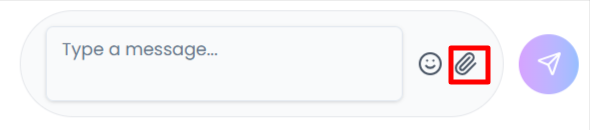
- Select the file or video that you want to upload and send during the conversation.
Did this answer your question?
Thanks for the feedback
There was a problem submitting your feedback. Please try again later.
No results found
-p-2000.png)
