How to export campaign statistics?
Flowkon allows you to export the performance data for any campaign, making it easy to analyze results, share reports, or import the data into your CRM or other business tools.
How to export campaign statistics
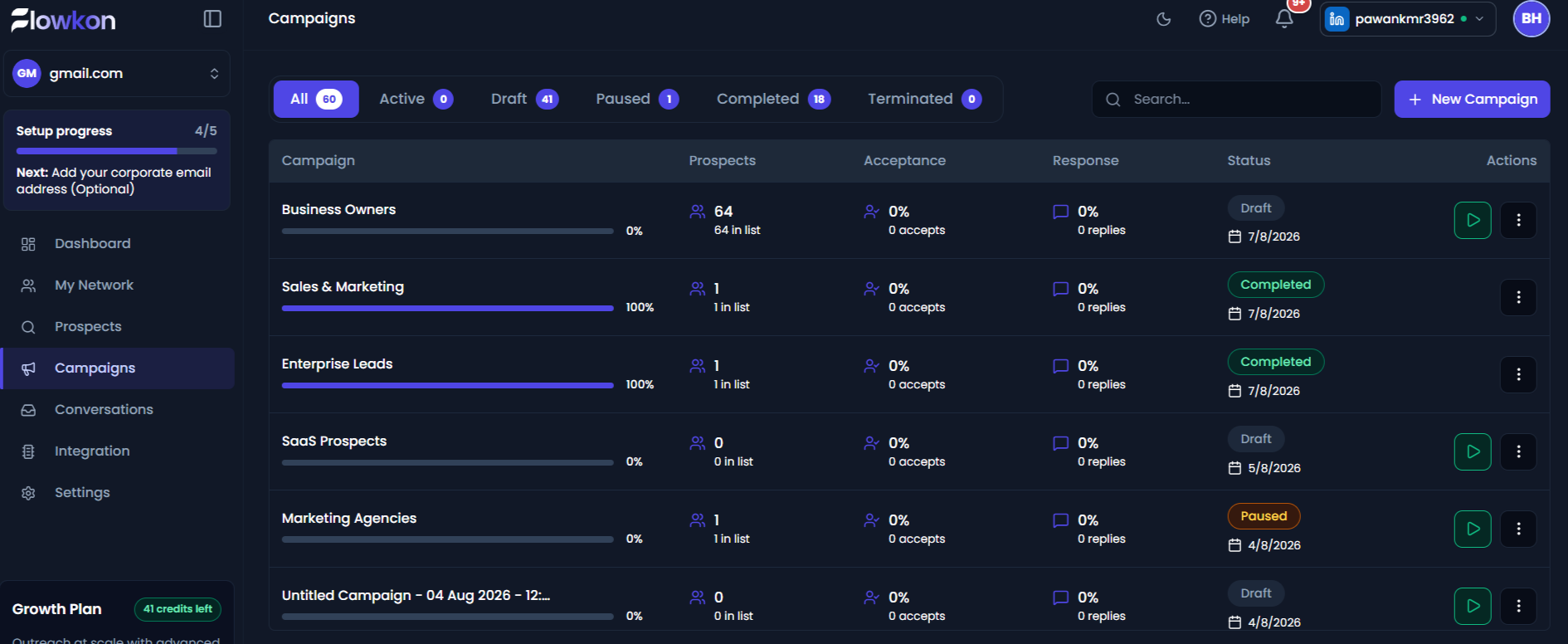
- Open the Campaigns page from the left navigation menu. Select the campaign whose statistics you want to export.
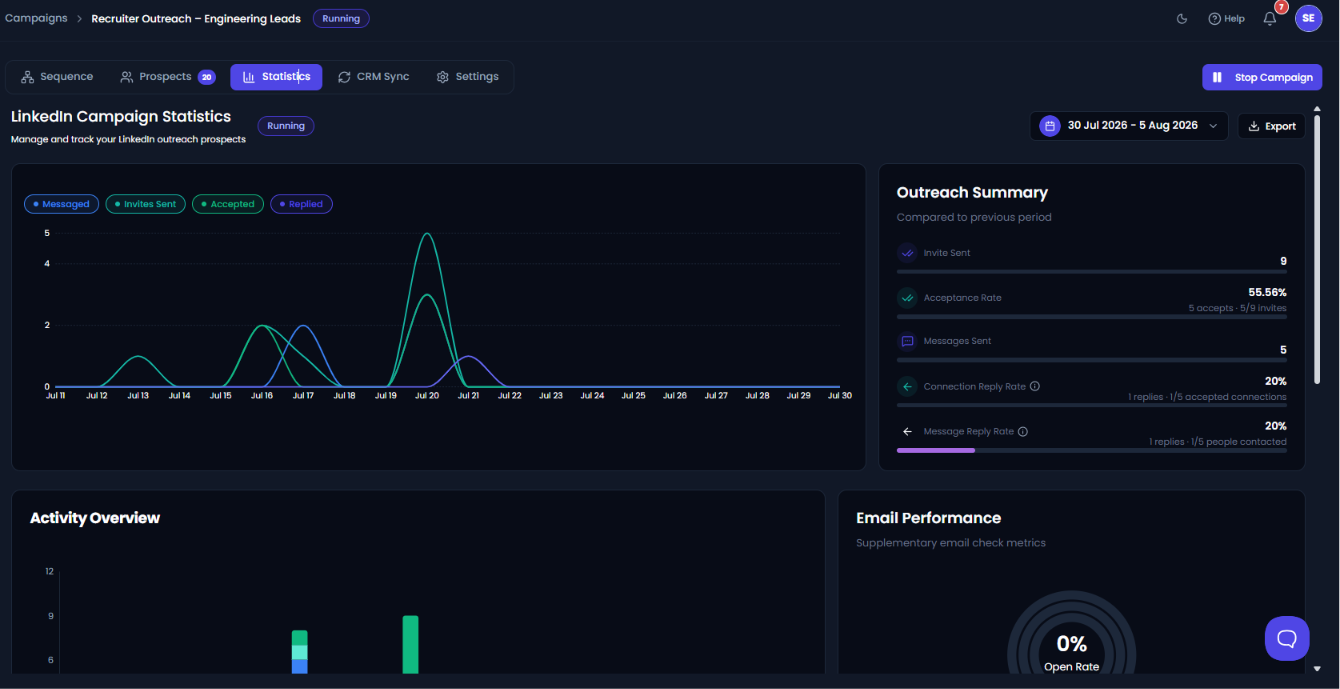
- Open the Statistics tab.
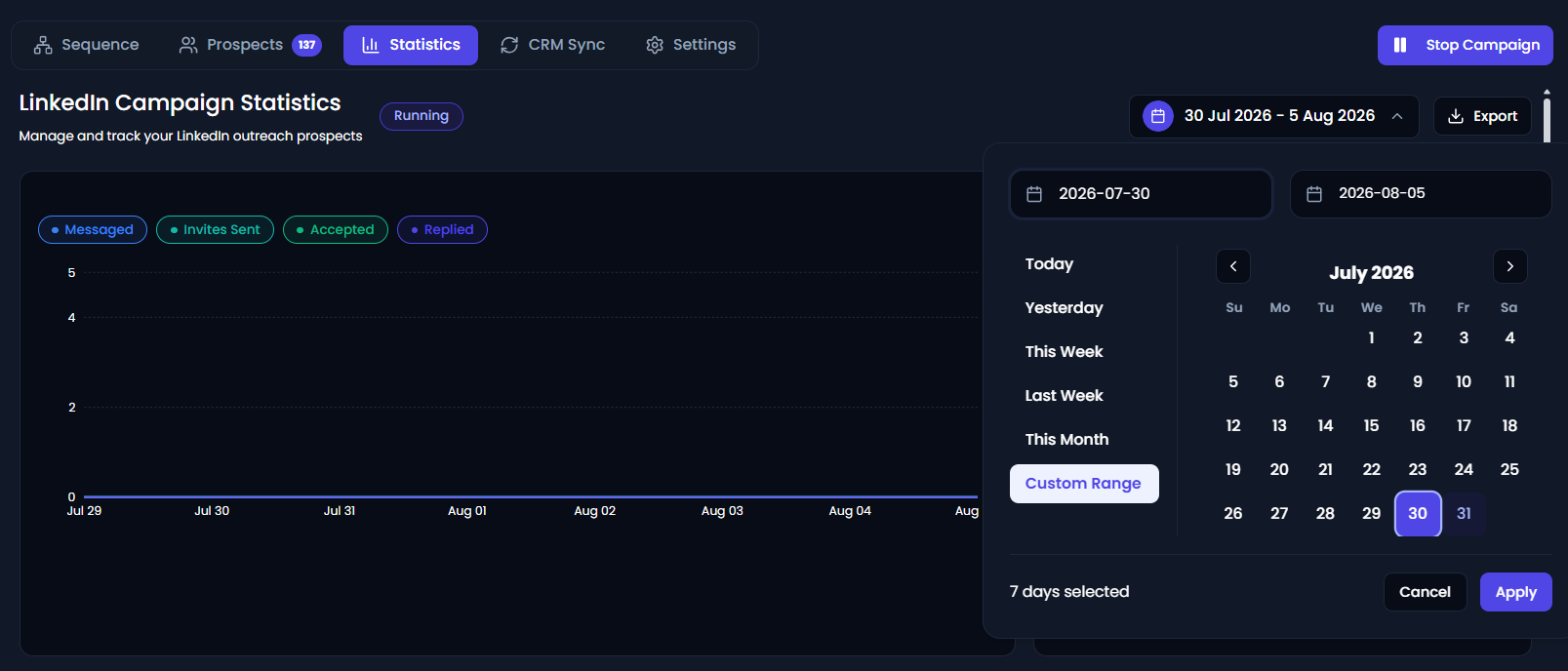
- (Optional) Use the date range selector in the top-right corner to filter the statistics for a specific time period.
- Click the Export button.
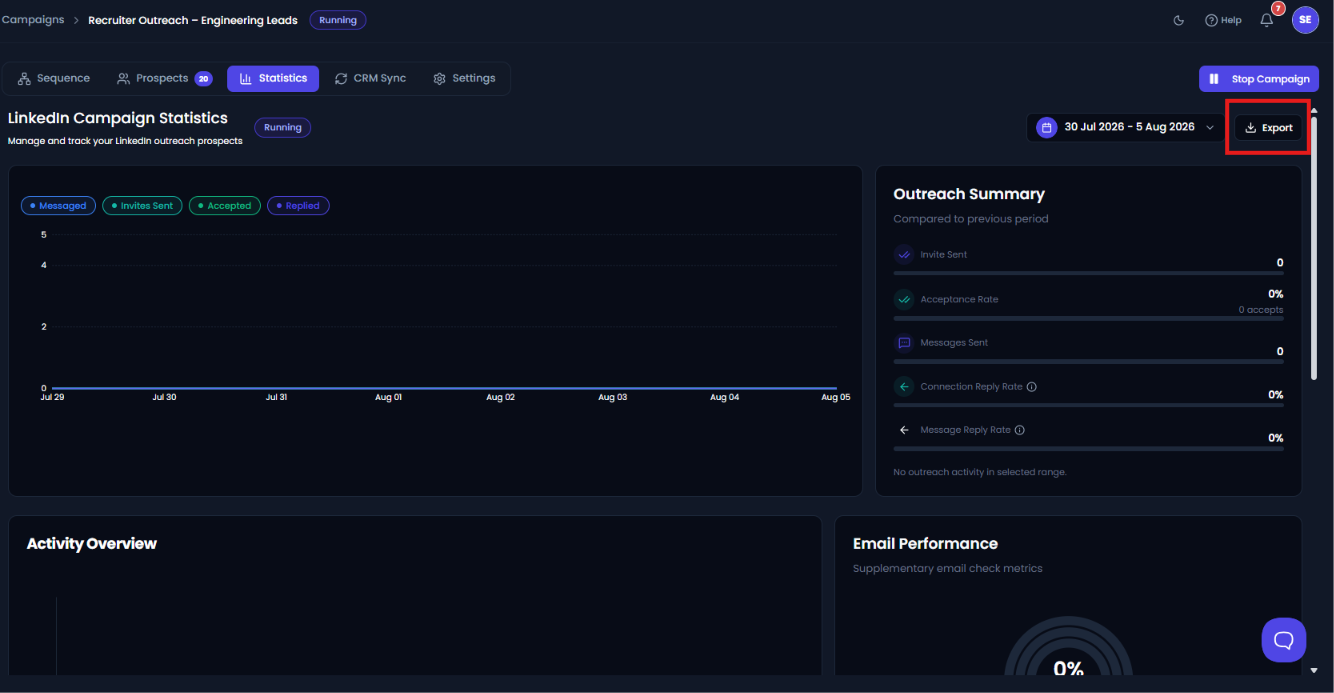
- The campaign statistics report will be generated and downloaded to your device.
The exported report includes the campaign performance data for the selected date range, helping you track outreach activity, measure engagement, and create custom reports for your team.
Tip: Applying a date filter before exporting is a great way to compare campaign performance across different weeks or months.