How to create-edit-delete tags?
- To create a new tag click on the manage tag button, a pop up will open with a create new tag button in the bottom
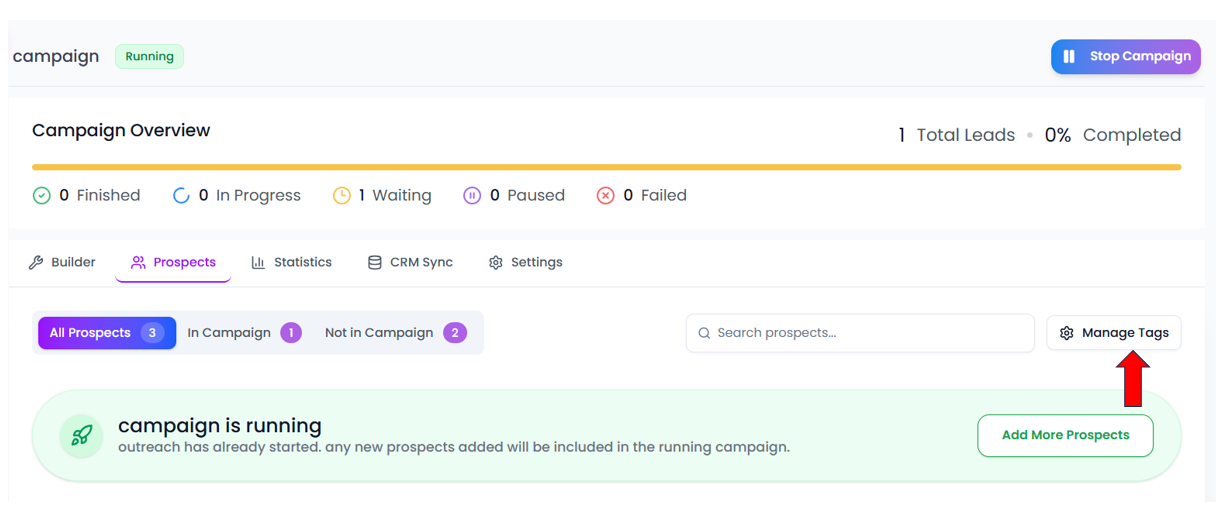
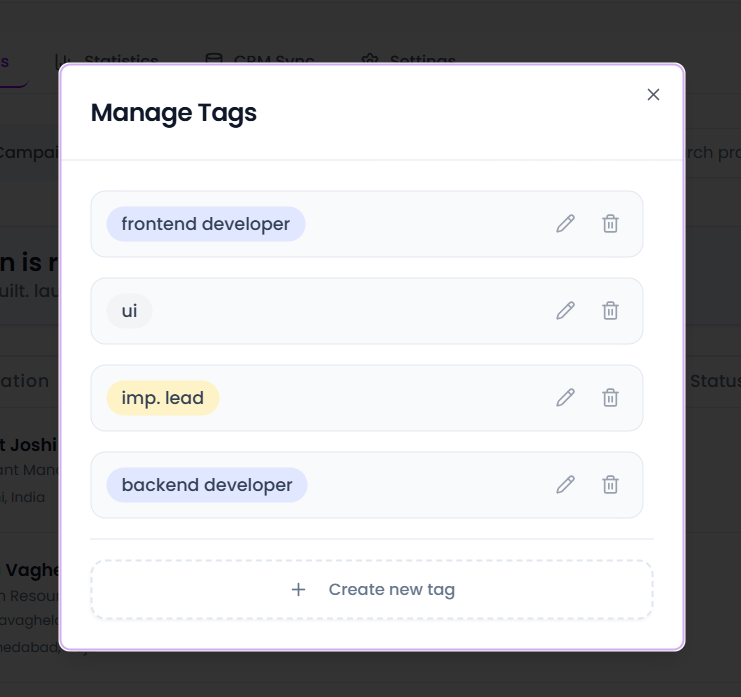
- Click on the create new tag and give the tag name . After giving the tag name you can see tick mark click on that to create a tag
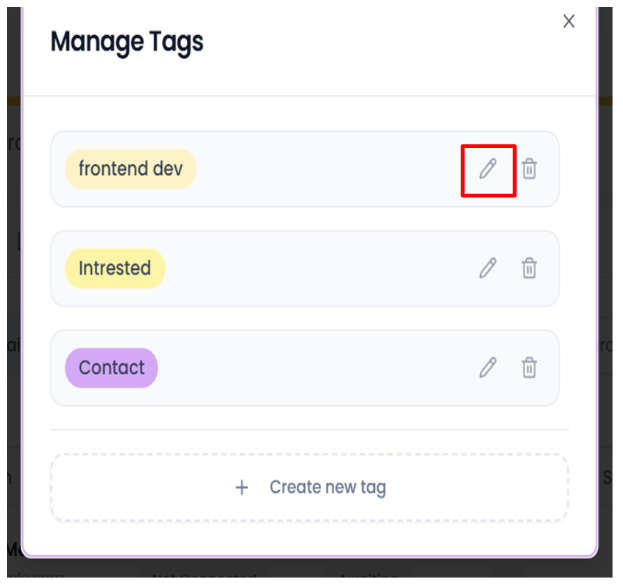
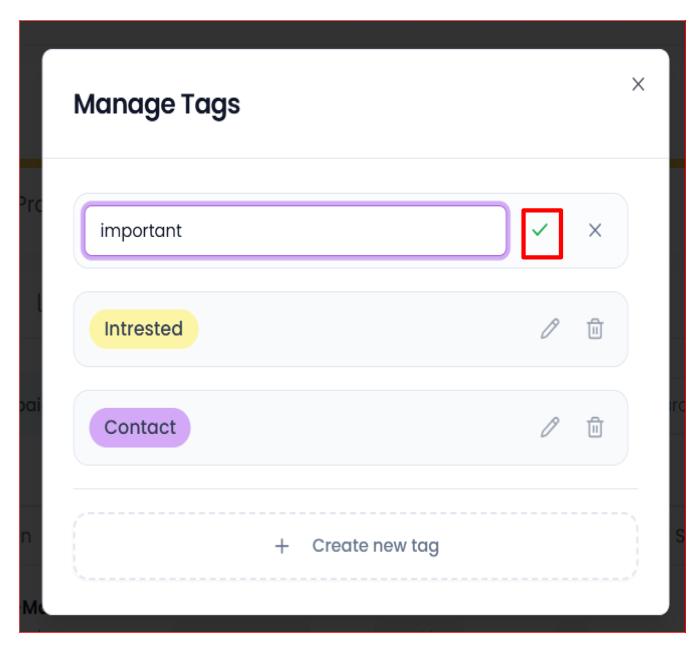
- If u want to edit the tag click on the pencil icon to edit and then click on the tick mark to save the changes
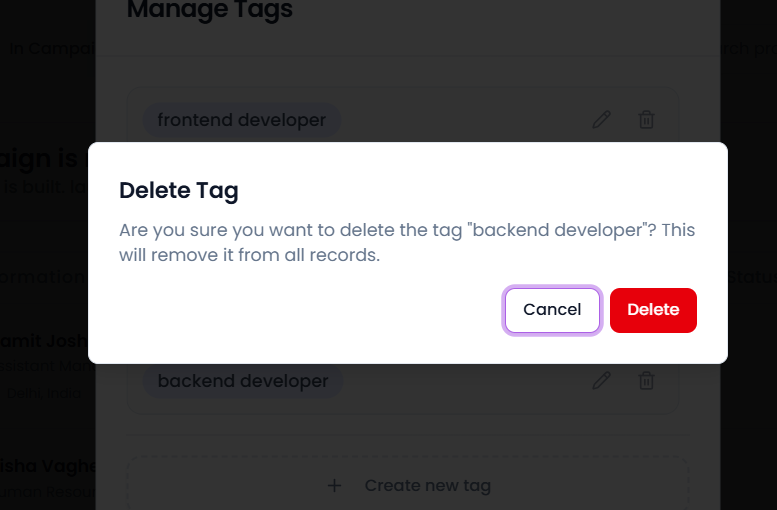
- If u want to delete the tag then click on delete icon then the pop up will open with delete and cancel click on delete to delete the tag.
Did this answer your question?
Thanks for the feedback
There was a problem submitting your feedback. Please try again later.
-p-2000.png)
