How to connect your gmail?
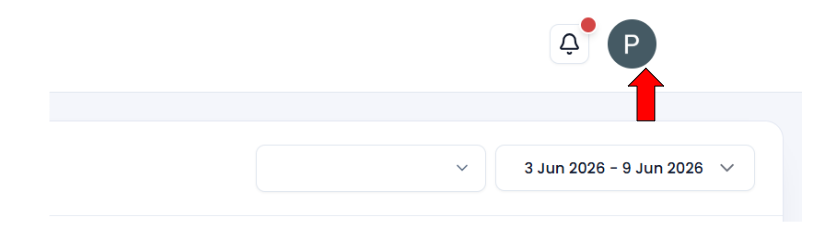
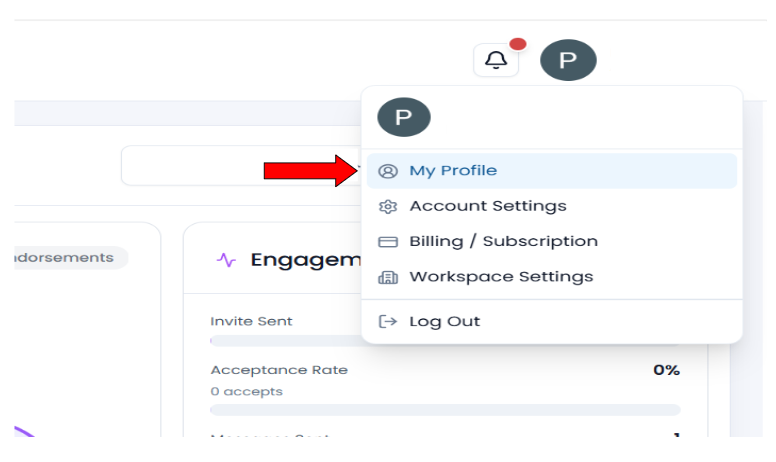
- Click on the Profile option available in the navigation bar. A dropdown menu will appear. Click on My Profile.
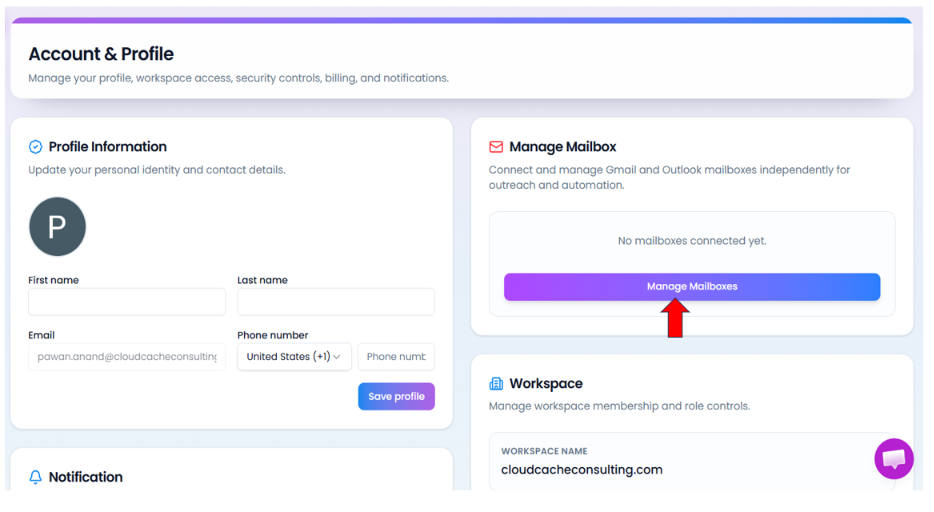
- After clicking, you will be redirected to the Account & Profile page. In this page, click on the Manage Mailbox option.
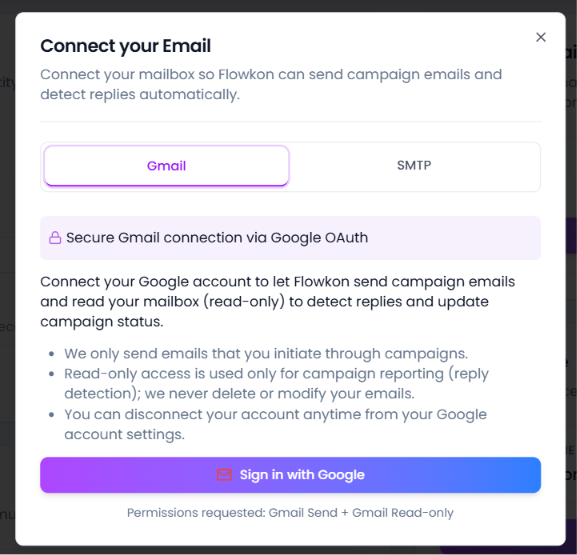
- A popup window will appear with the option to connect your email account.
- Click on Sign in with Gmail.
- Select the Google account that you want to connect with Flowkon.
- After selecting the account, click on the Continue button to complete the email connection process successfully.
Did this answer your question?
Thanks for the feedback
There was a problem submitting your feedback. Please try again later.
-p-2000.png)
